Claude Code desktop gets custom themes: recolor the app with a mod
SummaryAnthropic says you can now build custom themes for Claude Code on desktop with mods: change the colors, add an animated background, or just describe the look and let Claude write it. Local desktop sessions only for now. Not tested by MODEL.
· MODEL Editors · 1 min read
Some links may be affiliate links. Disclosure
What happened. On Friday, Nov. 13, Anthropic's ClaudeDevs account announced that you can now build custom themes for Claude Code on desktop with mods: "Change the colors, add an animated background, and make it your own" (ClaudeDevs on X (opens in a new tab)). You can tell Claude how you want the app to look, or start from Anthropic's theme-examples plugin.
Where it works. Per a follow-up post in the same thread, you need the latest version of the desktop app. Themes work in local sessions in the desktop app today, and Anthropic says support for cloud sessions is "coming soon."
How it works. A mod is a Claude Code plugin with its own code. The docs say changing the colors of the desktop app's Code tab takes Claude Code v2.1.324 or later in the Code tab, and Claude Code in the terminal keeps its own colors (Claude Code Docs (opens in a new tab)). The easy route: start a local session in the Code tab, describe the colors (the docs' example is "make a mod that makes the app cream in light mode and dark brown in dark mode"), approve the mod's files, and the Code tab changes color when the mod loads. A mod can also put a backdrop behind the conversation in the desktop or mobile app; the terminal draws no backdrop. Each session has one theme, so a second theme mod replaces the first.
The catch: it's real code. Mods are on by default, and the docs are blunt that a mod "is code that runs with your permissions. It can read and write your files, start processes, and make network requests." Install mods only from authors and marketplaces you trust (Mods overview (opens in a new tab)). Administrators can restrict or turn off user-installed mods through managed settings.
The MODEL take. It's cosmetic, but it's also the friendliest way to see what mods can do. Ask Claude to write the theme itself rather than installing a random one from a stranger.
Not tested by MODEL. Not sponsored. No affiliate links.
Get three tested tools every Friday
Free, weekly. Unsubscribe anytime.
Sources
- You can now build custom themes for Claude Code on desktop with mods
ClaudeDevs (Anthropic) on X
- Draw in the interface with a mod
Claude Code Docs
- Mods overview
Claude Code Docs
Keep reading
Subagents
Vercel's tiny fx coding agent gets subagents you can steer
fx v0.0.17, the open-source coding agent from Vercel Labs, adds subagents you can switch to and message, built-in Vercel Token Pass models, and tool definitions 48% smaller. It is still labeled experimental. Not tested by MODEL.
· MODEL Editors
Hot take
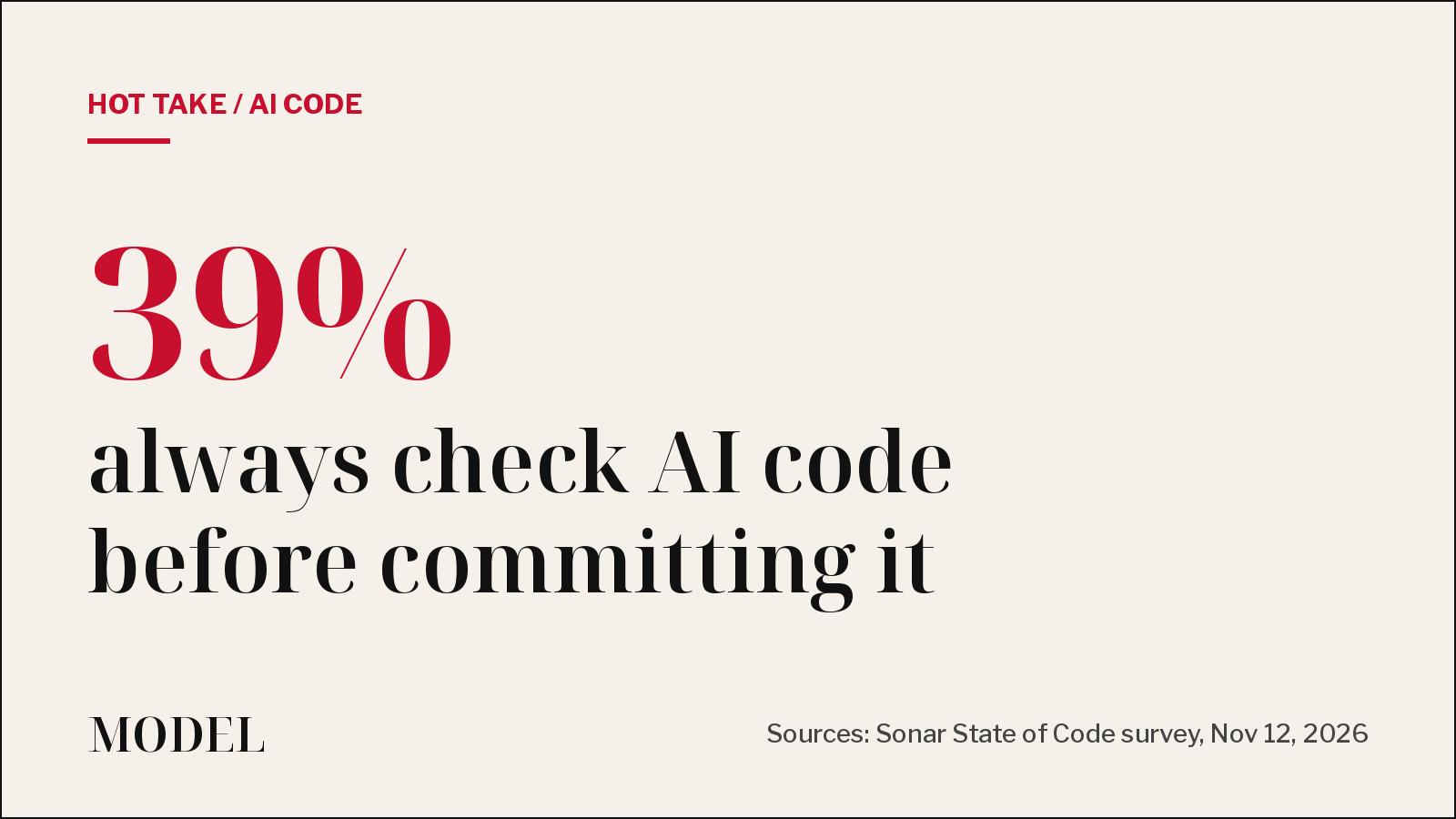
65% of committed code is now AI-assisted. Only 39% say it's always checked.
Sonar's new State of Code survey of 1,026 developers and engineering managers says AI output is outrunning review. Our take: the bottleneck moved from writing code to checking it.
· MODEL Editors
Projects update
Claude Code Projects update: a more proactive coordinator, /btw, /fork and reminders
Anthropic's Claude Code Projects now has a coordinator that answers in the project chat and reports on its parallel threads unprompted, plus /btw, /fork and thread reminders. Projects is in public beta on Pro, Max and Ultra. Not tested by MODEL.
· MODEL Editors
Now in the API
DeepSeek puts its chat app's search, file reading and voice into the API
Web search, deep thinking search, file input, URL reading, safety checks, OCR, speech to text and text to speech are now available to developers through the DeepSeek API, plus an open-source demo chat app. Not tested by MODEL.
· MODEL Editors
FREE · EVERY WEEK
The top AI tools this week, tested.
Every week MODEL's editors pick the AI tools worth your time, try them hands-on, and tell you what's good, what's not, and who it's for. Free, in your inbox.
Free. Unsubscribe anytime. Our picks are editorial and can't be bought.