Builder tip: run Knip after your coding agent is done
SummaryWe planted the leftovers coding agents tend to leave in a small TypeScript repo and ran Knip 6.44.2. It found the dead file, two unused packages, two unused exports and one import missing from package.json. Its auto-fix only does part of the cleanup.
· MODEL Editors · 2 min read
Some links may be affiliate links. Disclosure
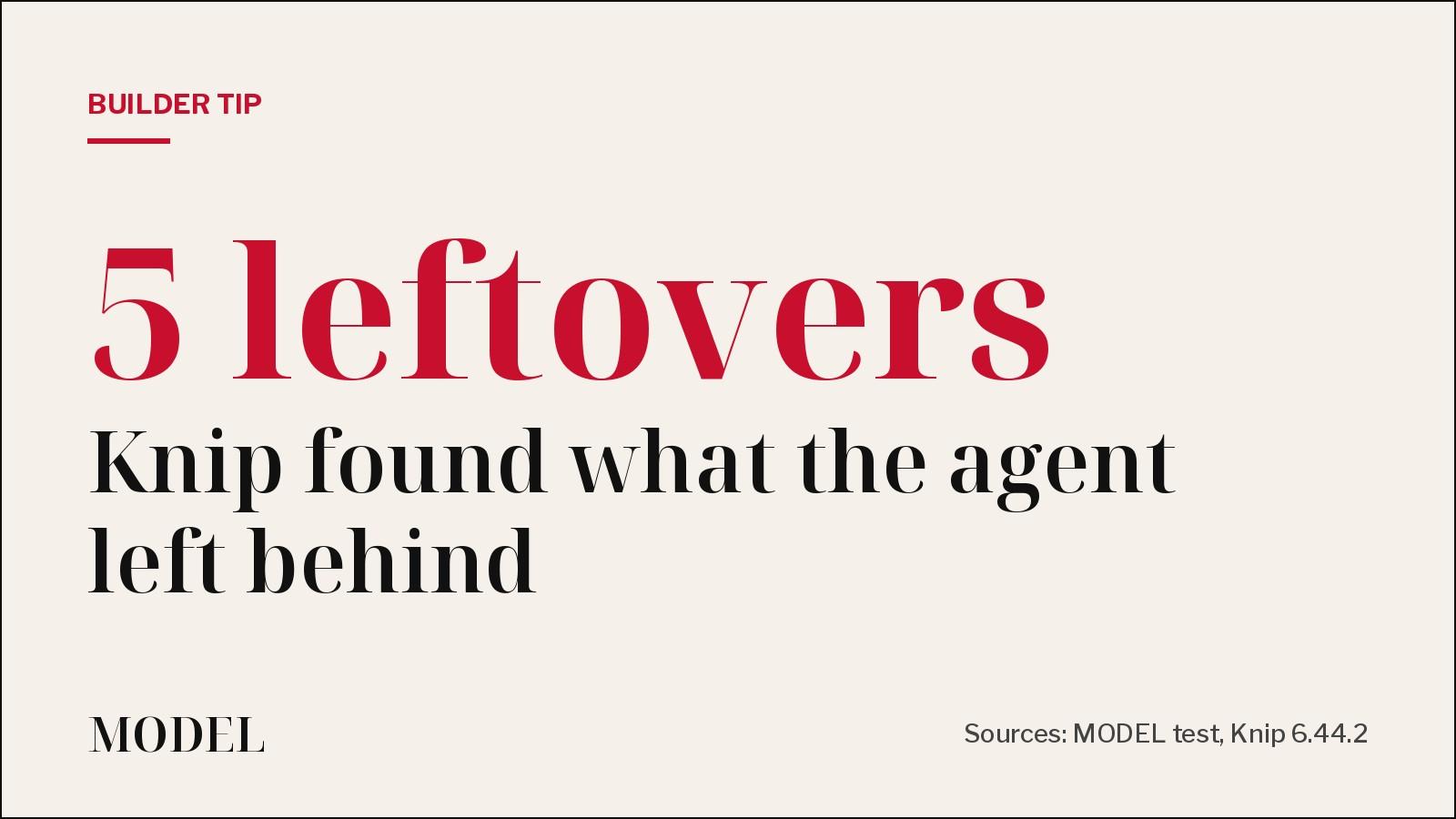
The problem. Ask a coding agent to try a few approaches and you often get the winner plus everything it tried along the way: an old version of a file nobody imports, packages it added and stopped using, helper functions exported "just in case". The reverse happens too. The agent imports a package that never made it into package.json, and it works on the agent's machine until it doesn't.
What we ran. Knip (open source, ISC license, by Lars Kappert) looks for unused files, dependencies and exports in JavaScript and TypeScript projects. On Nov 8 we installed knip@6.44.2 with TypeScript 5.9.3 on Node 24.22.1 and pointed it at a small TypeScript repo where we had planted these leftovers ourselves:
src/utils-old.ts, an earlier attempt that nothing importslodashandaxiosindependencies, never importeddayjsimported insrc/index.tsbut missing frompackage.jsonformatPriceV2andTAX_RATEexported fromsrc/utils.ts, never used
No config file, no AI model, no API key.
What Knip found. One plain npx knip run caught all six, with file and line numbers, and exited with code 1:
- Unused files (1):
src/utils-old.ts - Unused dependencies (2):
axios,lodash - Unlisted dependencies (1):
dayjs - Unused exports (2):
formatPriceV2,TAX_RATE
That exit code is the useful part. It means you can drop npx knip into CI or into an agent's "before you say done" checklist and it fails loudly.
The catch: --fix is a partial cleanup. We ran npx knip --fix on a copy of the repo:
- It removed
axiosandlodashfrompackage.json. Butaxioswas still innode_modules(npm listed it as extraneous) until we rannpm installagain. - It removed the
exportkeyword fromformatPriceV2andTAX_RATEand left the code in place. Knip stopped flagging them, buttsc --noEmit --noUnusedLocalsthen reported both as declared but never read. - It did not delete
src/utils-old.ts. That needs--fix --allow-remove-files, which did remove it. - It did not add
dayjs. Knip's docs say auto-fix does not add unlisted dependencies, because it can't know whether they belong independenciesordevDependencies. TypeScript also failed on the missing module.
All of this matches Knip's own auto-fix docs, which tell you to review changes in Git, use ESLint or Biome for unused variables afterward, and reinstall dependencies.
Our verdict. Worth adding to any repo where an agent writes code. It is fast, local and catches the cleanup an agent skips. Treat the report as a to-do list, not --fix as the cleanup.
The tip.
- Run
npx knipand read the report. - Run
npx knip --fix, then add--allow-remove-filesonly after you've checked the file list. - Run your linter or
tsc --noUnusedLocalsto catch code the export removal left behind. - Install any unlisted dependency yourself, run
npm install, and review the diff.
Limits of our test. This was one small repo with leftovers we planted, not a large codebase or a real agent session. Big monorepos and framework projects usually need a Knip config or plugins to avoid false positives. We did not test those.
Disclosure: Tested by MODEL on Nov 8, 2026. Not sponsored. No affiliate links.
MODEL Editors
Sources
- Auto-fix
Knip docs
- Knip
Knip
- webpro-nl/knip
GitHub
- knip 6.44.2
npm
Keep reading
Tool Launch
Perplexity Teammates are agents that keep working on a job
Nov 4, 2026: Perplexity launched teammates, personal agents that own ongoing work, watch your connected tools and bring results back for review. Research preview on the web for individual Max subscribers ($200/month). Not tested by MODEL.
· MODEL Editors
Tool Launch
OpenCode Browse lets your coding agent drive your real browser
Nov 6, 2026: OpenCode shipped Browse, an MCP server plus Chromium extension that lets agents use your real browser with your tabs, logins and extensions, and hands the tab back to you for logins, 2FA and payments. Not tested by MODEL.
· MODEL Editors
Tool Update
Qoduck: Qoder's free daily allowance on a stealth model for individual International users
Nov 7, 2026 (Singapore Time UTC+8): Qoder gives individual Qoder International users a daily free allowance on Qoduck — a stealth model whose identity is not disclosed. Within the allowance Credit rate drops 0.5x to 0.0x; Teams/Enterprise ineligible; desktop International only. Not tested by MODEL.
· MODEL Editors
FREE · EVERY WEEK
The top AI tools this week, tested.
Every week MODEL's editors pick the AI tools worth your time, try them hands-on, and tell you what's good, what's not, and who it's for. Free, in your inbox.
Free. Unsubscribe anytime. Our picks are editorial and can't be bought.