One OpenAI dot can now work across several of your computers
SummaryOpenAI's always-on dots can now connect to more than one local computer, and you tell the dot which one to use for a task. Each thread still runs on one computer at a time. Not tested by MODEL.
· MODEL Editors · 2 min read
Some links may be affiliate links. Disclosure
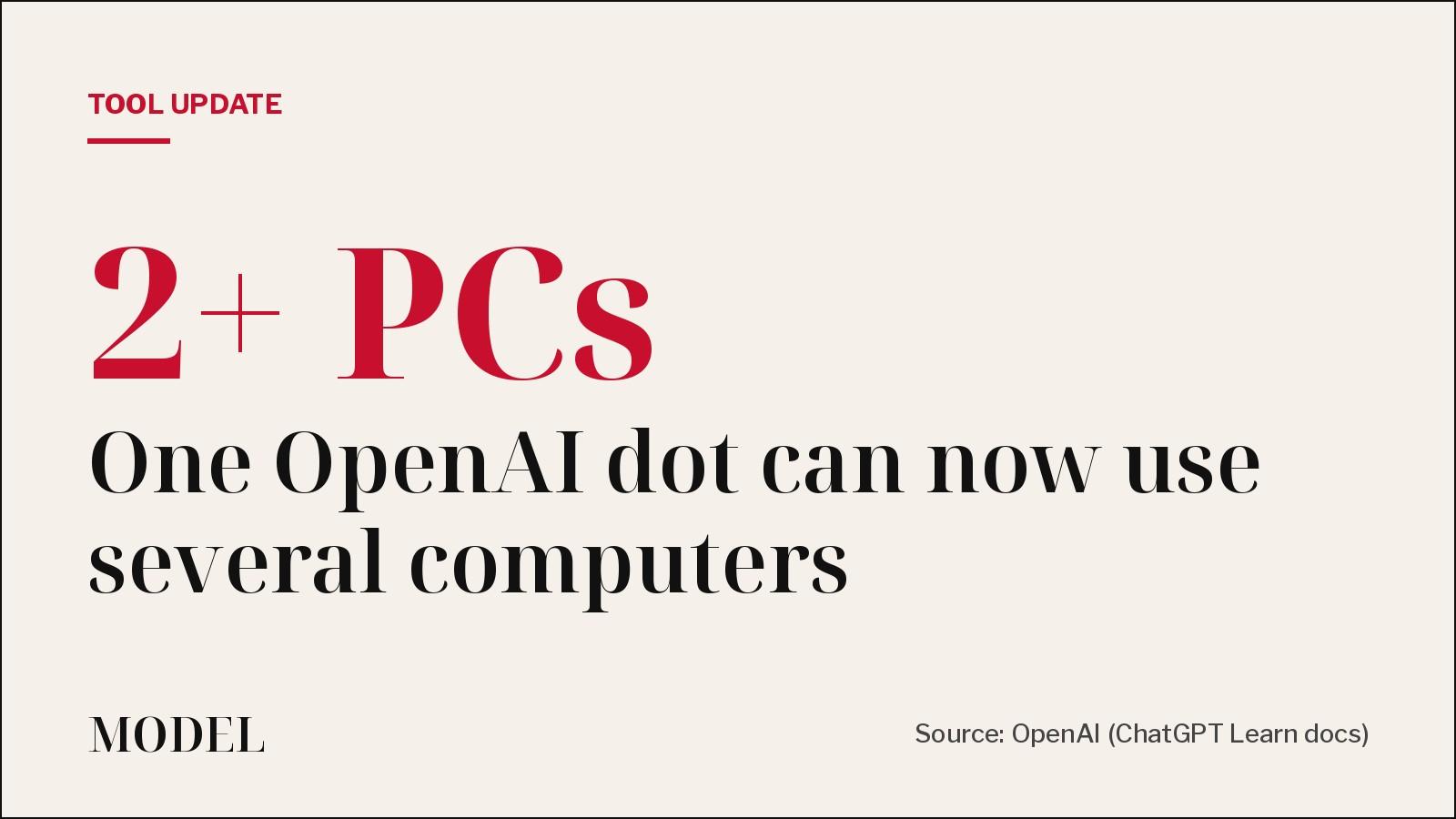
What changed. On Monday, Nov. 9, @OpenAIDevs announced (opens in a new tab) that you can now connect multiple local computers to the same dot and choose which one it uses for a task. A dot is OpenAI's always-on agent in ChatGPT. It has its own cloud computer and browser, and it can also work on your own machines once you allow it. OpenAI's example: the dot builds and tests your app on a dedicated machine while you keep coding on your laptop.
Until now, OpenAI's own help page said you could connect only one personal computer at a time (see the Nov. 5 version, unofficial archive (opens in a new tab)). The current page (opens in a new tab) drops that line.
How you set it up. Per OpenAI's docs, on each computer you want to add:
- Open your dot's profile in the ChatGPT app on that computer.
- Under Computers, find the computer you're using and select Allow.
- Confirm with Allow access.
Repeat on the next computer. The dot's cloud computer stays connected too.
How it works. You ask the dot to start a separate thread on each computer for independent tasks. Each thread uses one computer at a time, so one task doesn't get split across machines. The dot can create local Work or Codex tasks there and continue existing local Codex tasks.
Ideas OpenAI suggests. Test an iOS change in Xcode on a second Mac and get screenshots back; run the same test on your laptop and on a machine with an older SDK to reproduce a bug; have the dot click through a UI flow on a second computer so your own screen and cursor stay free.
Who it's for. Developers with a spare Mac or build box who already use a dot and want long builds, test runs or UI checks off their main machine.
What you need. Dots are rolling out gradually. OpenAI lists Pro 100, Pro 200 and Pro 500 (18+, outside the EEA, UK and Switzerland), Business Premium, and Enterprise, Edu and Healthcare workspaces (admin preview; on by default from Nov. 18 unless the workspace opts out). Each computer needs the ChatGPT app installed, online and open while the dot uses it.
The caveats.
- Allowing a computer gives the dot that machine's local files, code and apps for its work. OpenAI's docs describe one Allow access step per computer; we did not find finer per-folder controls documented there. Connect only machines you'd hand to an agent, and select Revoke access to remove access.
- An Offline computer is just unavailable; it stays connected until you revoke it.
- This permission is separate from connecting a computer to Codex or turning on Work Sync. Neither of those alone gives your dot access.
- The use cases above are OpenAI's examples. MODEL has not checked how reliably a dot coordinates work across two machines.
Disclosure: Not tested by MODEL. Not sponsored. No affiliate links.
MODEL Editors
Get three tested tools every Friday
Free, weekly. Unsubscribe anytime.
Sources
- Connect computers and apps to your dot
ChatGPT Learn (OpenAI)
- Meet dots (incl. Access)
ChatGPT Learn (OpenAI)
- You can now connect multiple local computers to the same dot
OpenAI Developer Community
- OpenAI Developers on X
X (@OpenAIDevs)
Keep reading
Tool test
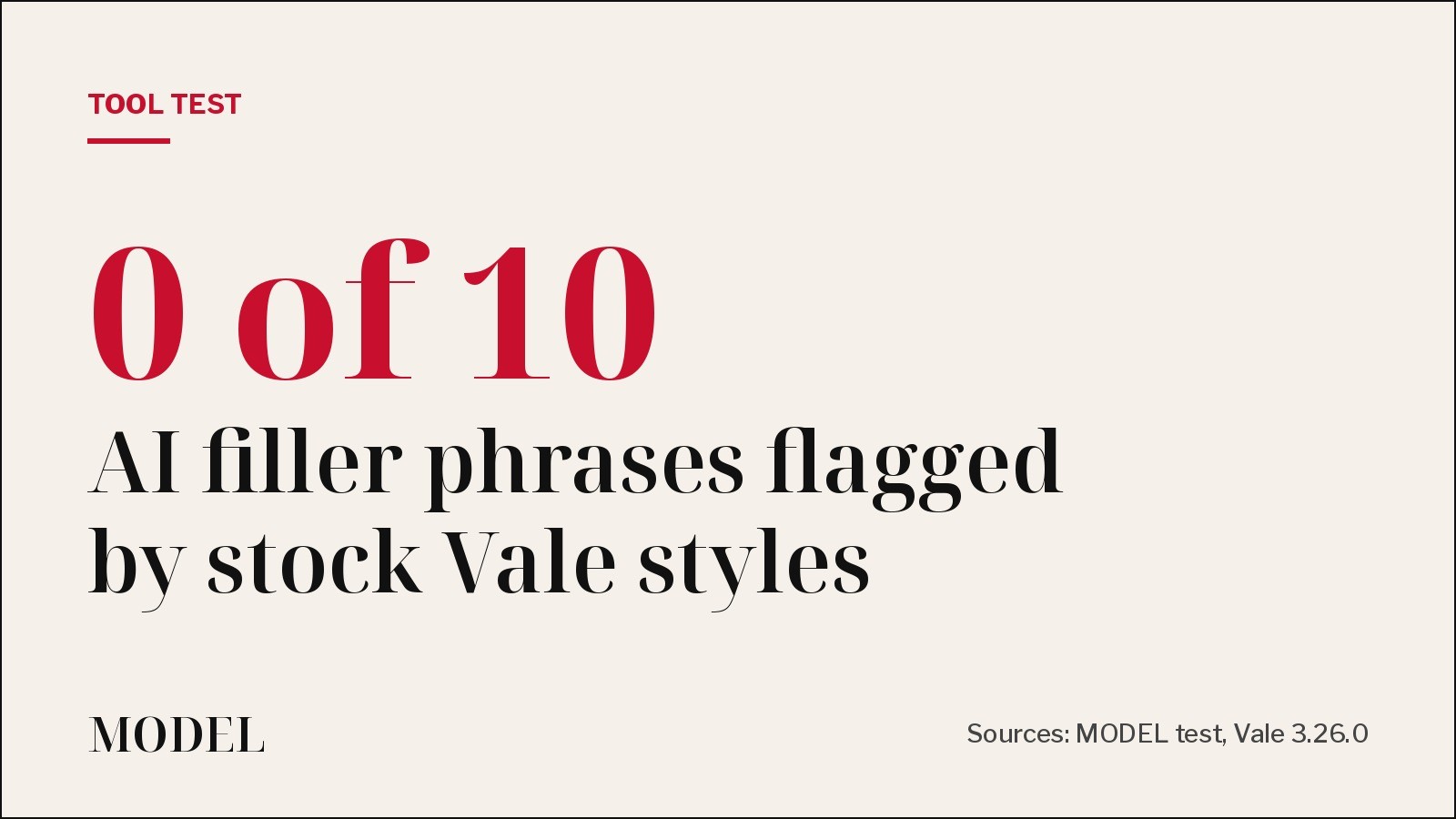
We ran Vale on an AI-written README. Its stock styles missed all 10 filler phrases.
Vale 3.26.0 with its built-in, write-good and proselint styles flagged 'very' and 'utilize' but none of the stock AI phrases we planted. A 14-line custom rule caught all 10 and failed the run.
· MODEL Editors

Builder tip
Builder tip: your duplicate-code check probably misses the copy your agent renamed
We planted two copy-pasted functions in a small TypeScript repo and ran jscpd 5.4.3. On default settings it found the exact copy, missed the one with renamed variables, and still exited 0. Two flags fix both problems.
· MODEL Editors

Tool Launch
Expo previews Exact, an app framework built for coding agents
Write the interface once in a small language called Contract, add logic in TypeScript or Rust, and run it natively on web, iOS, macOS and Linux. An agent can build, run, screenshot and test it on each. It is pre-1.0 and changes daily. Not tested by MODEL.
· MODEL Editors

Tool Update
You can move a GitHub Copilot app session into VS Code without starting over
GitHub is pointing developers to Open in VS Code: the agent's task, plan, conversation and code changes follow you into the editor, and a push updates the same pull request. Not tested by MODEL.
· MODEL Editors
FREE · EVERY WEEK
The top AI tools this week, tested.
Every week MODEL's editors pick the AI tools worth your time, try them hands-on, and tell you what's good, what's not, and who it's for. Free, in your inbox.
Free. Unsubscribe anytime. Our picks are editorial and can't be bought.