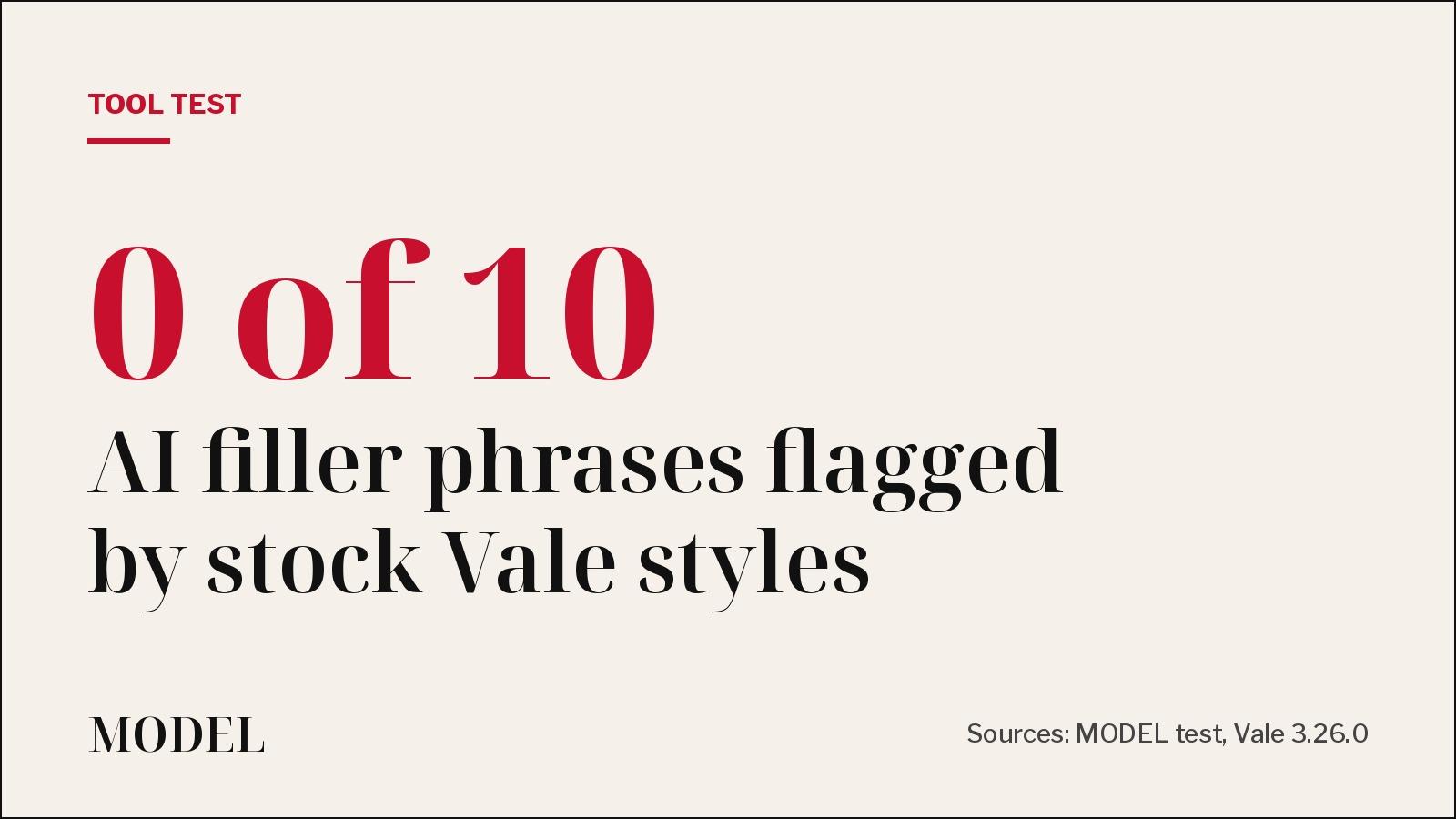
We ran Vale on an AI-written README. Its stock styles missed all 10 filler phrases.
SummaryVale 3.26.0 with its built-in, write-good and proselint styles flagged 'very' and 'utilize' but none of the stock AI phrases we planted. A 14-line custom rule caught all 10 and failed the run.
· MODEL Editors · 3 min read
Some links may be affiliate links. Disclosure
The problem. Ask a model to write your README and you often get the same phrases: "seamless", "robust", "leverages cutting-edge AI", "let's delve into". This week X is full of arguments about "AI slop" in writing. We haven't verified the benchmark numbers going around, but one question is easy to test: can a prose linter catch this before it ships?
What we ran. Vale is an open-source command-line linter for prose (MIT license, by Joseph Kato). It checks text against style rules, much like ESLint does for code. On Nov 9 we downloaded Vale 3.26.0 (released Oct 31) and checked the binary against the official checksum. We pointed it at a three-paragraph README for a made-up app, "Invoice Sync", written in typical AI style. We planted 10 filler phrases: "In today's fast-paced world", "it's important to note", robust, seamless, leverages, cutting-edge, streamline, delve, simply and basically. No AI model, no API key.
What Vale found out of the box.
- With no config file, Vale stops with "no config file found" (exit 2). You have to write a
.vale.inifirst. - With only Vale's built-in style: 0 errors, 0 warnings, 0 suggestions.
- With the popular
write-goodandproselintpackages (installed withvale sync): 1 error, 6 warnings and 7 suggestions. It caught "very", "extremely", "utilize", "in order to" and two passive phrases. It flagged none of the 10 filler phrases. The closest it came was a style suggestion to avoid "it's". - It also missed "are automatically synced" as passive voice, because of the adverb in the middle.
What fixed it. Vale lets you write your own rules in YAML. We added one 14-line existence rule listing the 10 phrases, set to level error. The same command then reported 11 errors (it found every phrase) and exited 1, so a CI job would fail.
extends: existence
message: "'%s' is stock AI filler. Say what it does instead."
level: error
ignorecase: true
tokens:
  - delve
  - seamless(ly)?
  - robust
  - leverag(e|es|ing)
  - cutting-edge
  - streamline
  - in today's fast-paced world
  - it's important to note
  - basically
  - simply
Then we rewrote the README with facts: what it syncs, how often, and what happens when a sync fails. Result: 0 errors, 0 warnings, 0 suggestions, exit 0.
The catch. Only error-level alerts change the exit code. A file with only warnings still exited 0, so set your own rules to error if you want them to block a merge. A word list is not an AI detector. It will flag a human who writes "robust" on purpose, so keep exceptions handy.
Our verdict. Vale is fast and needs only a single binary, and it's a good gate for docs and READMEs written by agents. But the stock styles target old-fashioned wordiness, not today's AI filler. The useful part is the custom rule, and you have to write it yourself.
The tip.
- Add a
.vale.iniwithPackages = write-good, proselintand runvale sync. - Add a
styles/<YourName>/AITells.ymlexistence rule (like the one above) at levelerror. - Run
vale docs/ README.mdin CI. When it fails, ask the agent to replace each flagged phrase with a concrete fact.
Limits of our test. One made-up README and a phrase list we picked. We did not test Vale's Microsoft or Google styles, its editor plugins, or its GitHub Action.
Disclosure: Tested by MODEL on Nov 9, 2026. Not sponsored. No affiliate links.
MODEL Editors
Get three tested tools every Friday
Free, weekly. Unsubscribe anytime.
Sources
Keep reading
Tool Update
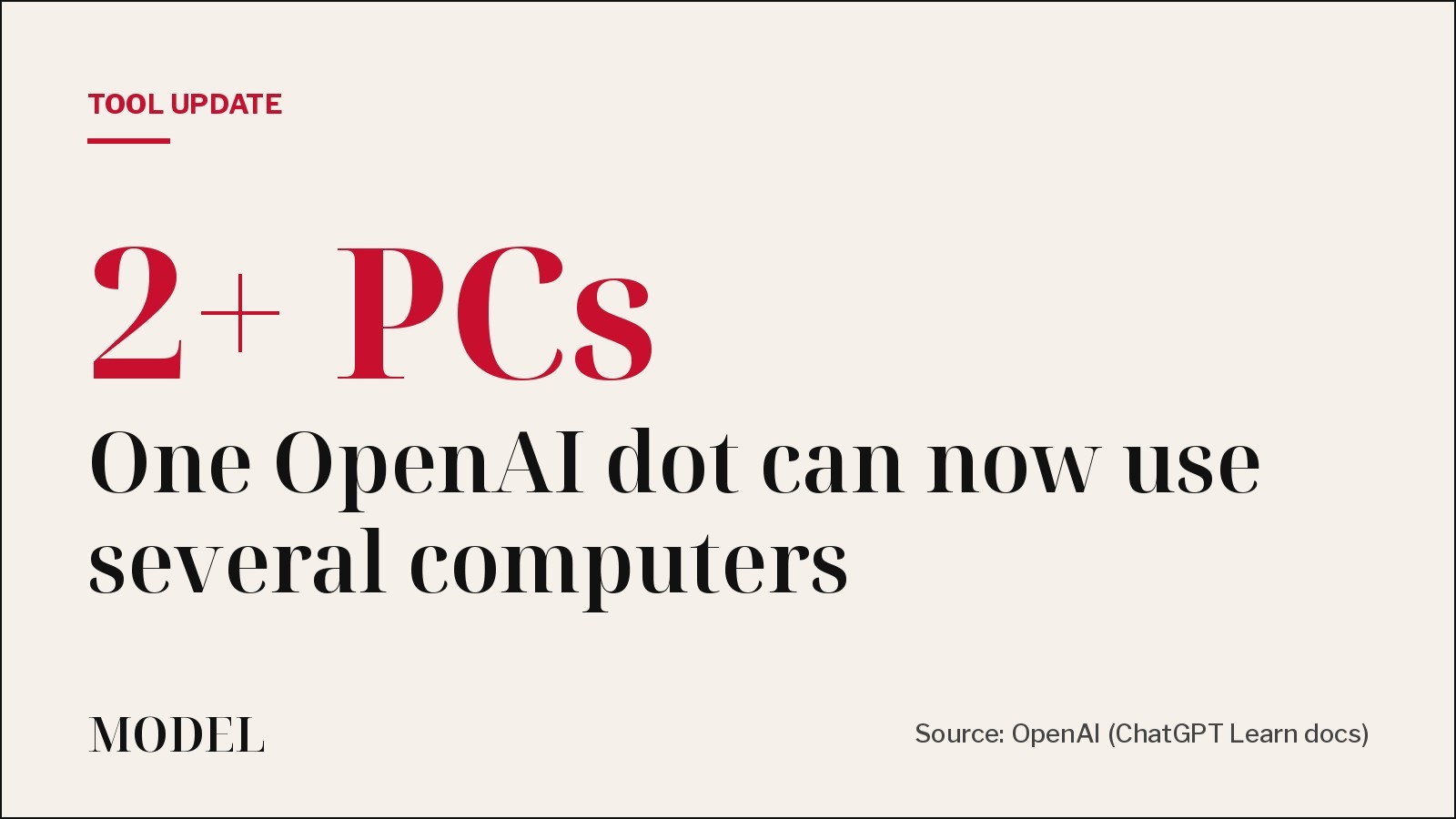
One OpenAI dot can now work across several of your computers
OpenAI's always-on dots can now connect to more than one local computer, and you tell the dot which one to use for a task. Each thread still runs on one computer at a time. Not tested by MODEL.
· MODEL Editors
Builder tip
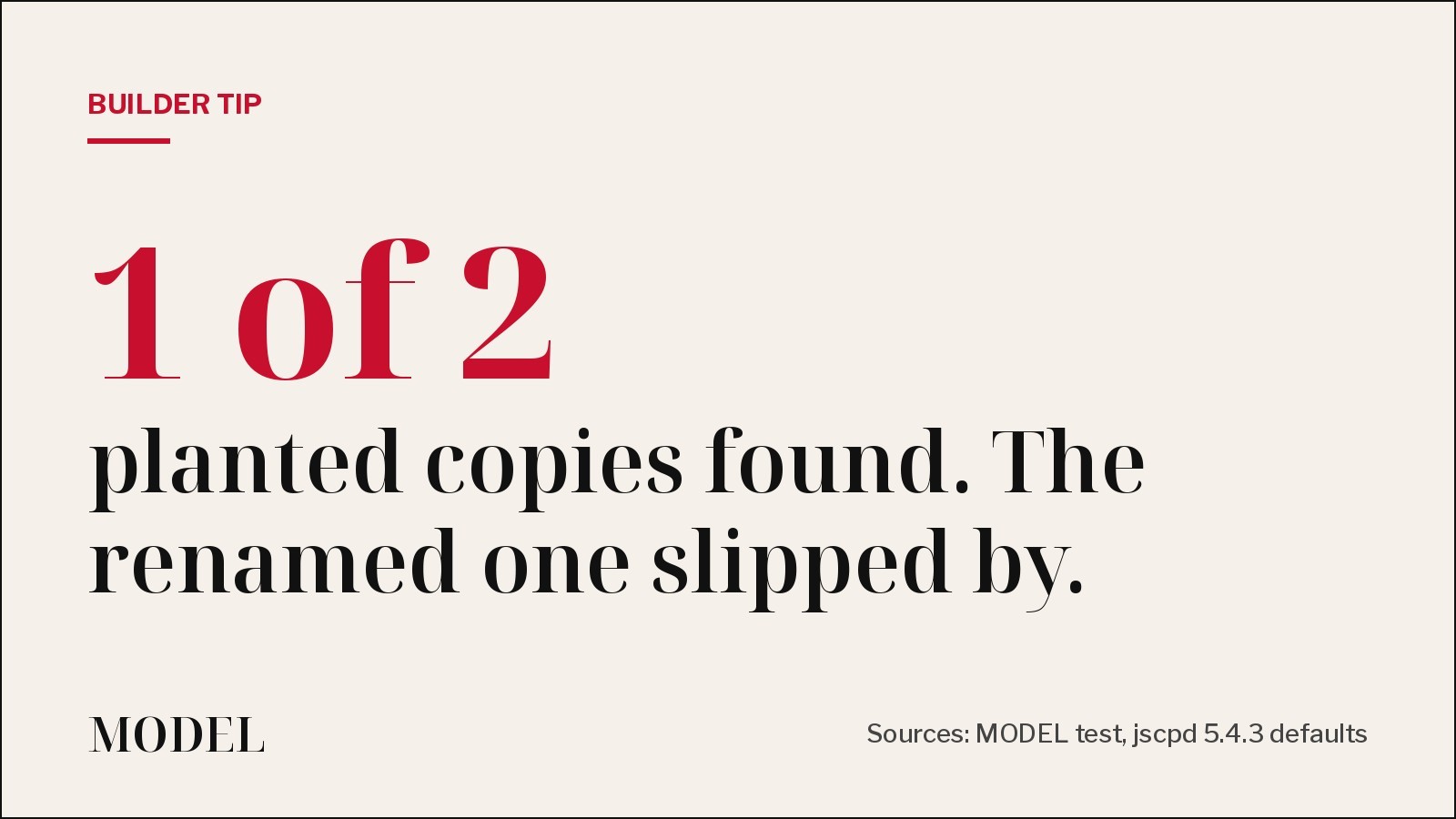
Builder tip: your duplicate-code check probably misses the copy your agent renamed
We planted two copy-pasted functions in a small TypeScript repo and ran jscpd 5.4.3. On default settings it found the exact copy, missed the one with renamed variables, and still exited 0. Two flags fix both problems.
· MODEL Editors

Tool Launch
Expo previews Exact, an app framework built for coding agents
Write the interface once in a small language called Contract, add logic in TypeScript or Rust, and run it natively on web, iOS, macOS and Linux. An agent can build, run, screenshot and test it on each. It is pre-1.0 and changes daily. Not tested by MODEL.
· MODEL Editors

Tool Update
You can move a GitHub Copilot app session into VS Code without starting over
GitHub is pointing developers to Open in VS Code: the agent's task, plan, conversation and code changes follow you into the editor, and a push updates the same pull request. Not tested by MODEL.
· MODEL Editors
FREE · EVERY WEEK
The top AI tools this week, tested.
Every week MODEL's editors pick the AI tools worth your time, try them hands-on, and tell you what's good, what's not, and who it's for. Free, in your inbox.
Free. Unsubscribe anytime. Our picks are editorial and can't be bought.