Pydantic Pax tested: the new coding agent's safety modes mostly work, but auto mode wrote outside our project
SummaryPydantic's new terminal coding agent installs in two seconds and has three permission modes. We tested all three with a scripted stand-in model. Read-only blocked everything. Auto held rm -rf and curl, but its file tool still wrote outside the project folder.
· MODEL Editors · 3 min read
Some links may be affiliate links. Disclosure
What it is. Pax (pydantic-ai-pax) is a free, MIT-licensed coding agent for the terminal from Pydantic, the team behind the Pydantic AI framework. Pydantic announced it on Nov. 25 as a beta. Like Claude Code or Codex, it reads your code, edits files and runs commands. You bring the model: a ChatGPT or GitHub Copilot sign-in, or an API key. Pax itself is free.
What it fixes. Most coding agents give you one fixed agent. In Pax everything is a plugin, including the coding agent itself, and pax --agent puts the same terminal in front of any Pydantic AI agent you wrote. For teams already building on Pydantic AI, that means one tool for daily coding and for trying out their own agents.
How we tested. On Nov. 27 we installed Pax 0.76.0 (released Nov. 26) on our Linux test box. We did not use a real AI model. Instead we pointed Pax at a small fake model we wrote, running on the same box, that always asks for one exact action. That way every result shows what Pax itself allowed, not what a model chose to do. We ran most cases once, with pax -p, the one-shot mode where nobody is there to click "approve".
- Setup.
uv tool install pydantic-ai-paxtook 2.0 seconds: 109 packages, 271 MB. No account needed to install. - Default mode ("full"). Pax's docs say it "runs commands and edits files as you, with no sandbox and no approval step." That is what we saw. Our fake model ran a shell command and wrote a file outside the project folder, and nothing asked first. Pax had flagged the folder as "untrusted", but its docs say that label only changes how the folder's own instruction files reach the model, not what the agent can do.
- Read-only mode. Every file write and every command was blocked, because nobody was there to approve it. This mode did what it says.
- Auto mode.
rm -rfandcurlwere held and blocked. A plainrmof one file ran without asking. Pax's docs listrm -rfas the example and call the command list "a convenience, not a sandbox", so that one is as described. - One nice touch.
pax config setfrom the command line can make Pax stricter but refused to make it looser, because, in its own words, "the agent can run pax from its shell".
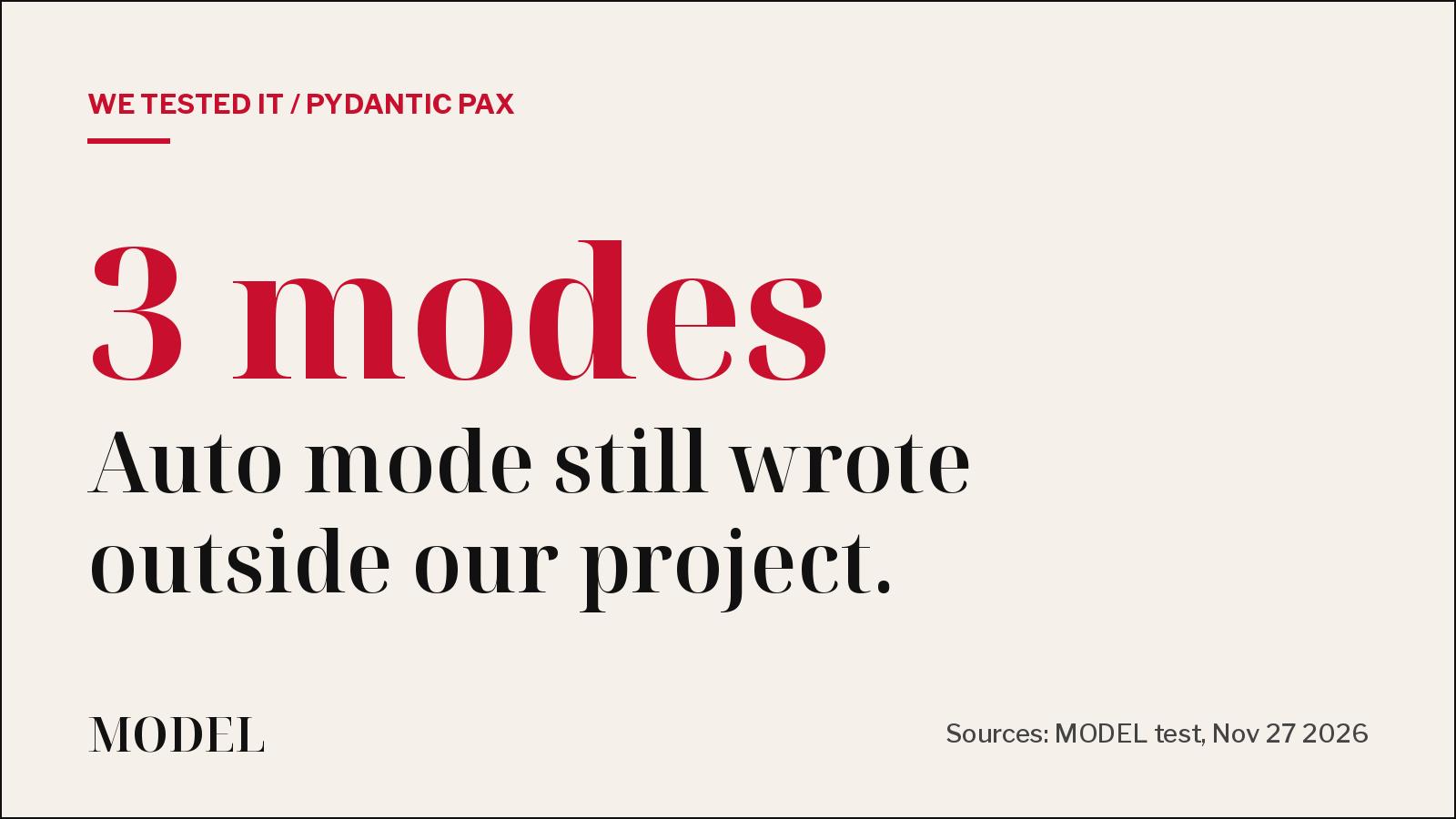
The catch. In auto mode, Pax's file-writing tool wrote a file one folder above our project and another in /tmp, with no question asked. The docs say: "File tools only reach files inside the session's folder, so auto lets them write." In our test they did not stay inside. We ran it twice with fresh settings and got the same result.
What we did not test. Real models, the interactive approval picker, the web UI, the cloud and local sandboxes (/sandbox), plugins, MCP, sessions imported from Claude Code or Codex, and Pydantic's own benchmark scores. Pax is a beta and changes fast: four releases in four days.
The MODEL verdict. A promising, open coding agent, especially if you already build on Pydantic AI. But the default lets it do anything you can do. Use read-only on code you care about, and for real isolation use a sandbox or a separate machine. Don't count on auto mode to keep the agent inside your project.
Tested by MODEL Editors on Nov. 27, 2026 with Pax 0.76.0. Not sponsored. No affiliate links. MODEL has no relationship with Pydantic.
Get three tested tools every Friday
Free, weekly. Unsubscribe anytime.
Sources
Keep reading
Builder tip
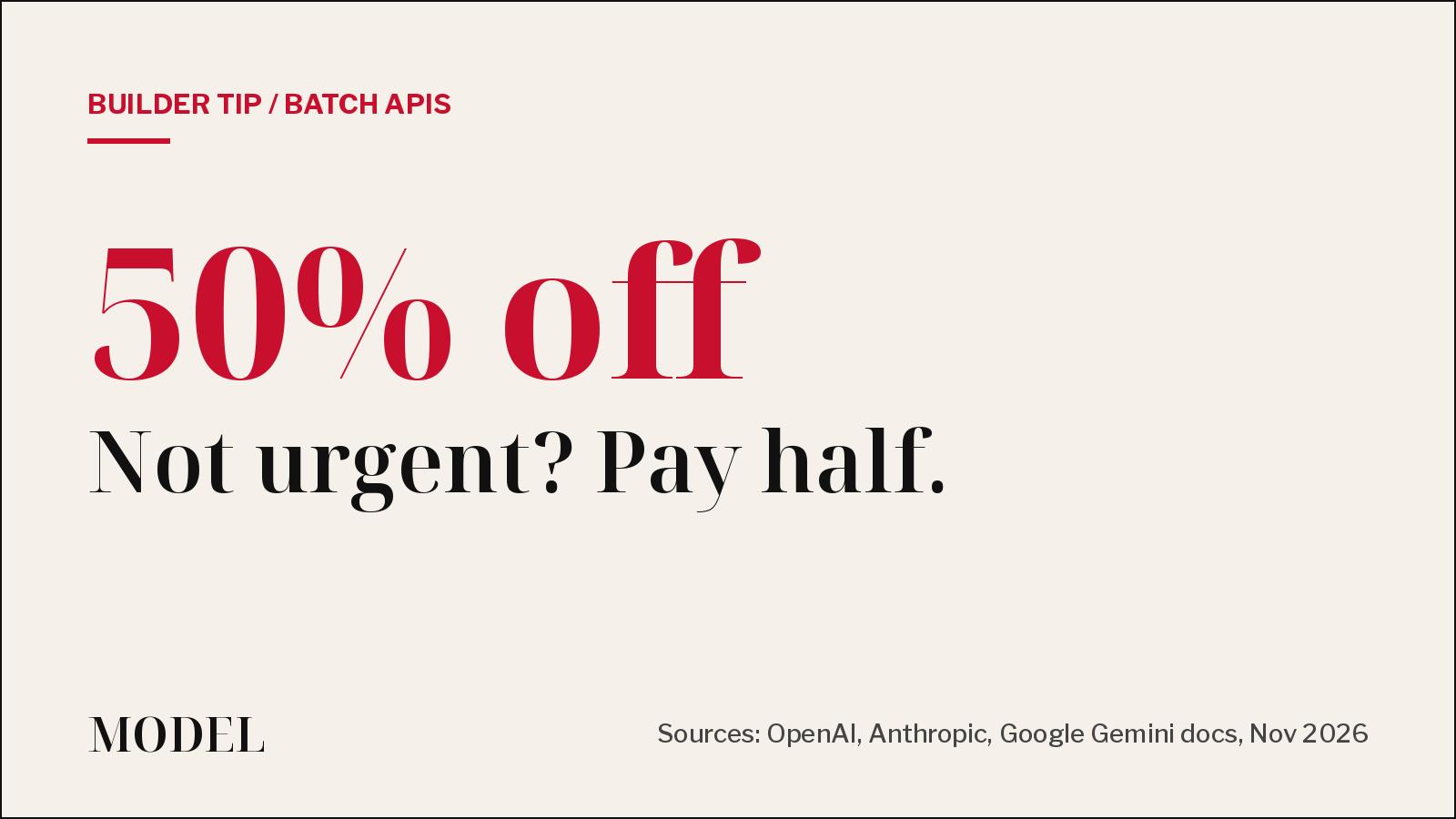
Not urgent? Pay half: move evals and backfills to batch APIs
OpenAI, Anthropic and Google all sell the same tokens at 50% off if you can wait for the answer. Here are the limits, the windows and the catches to plan for.
· MODEL Editors
unkernel
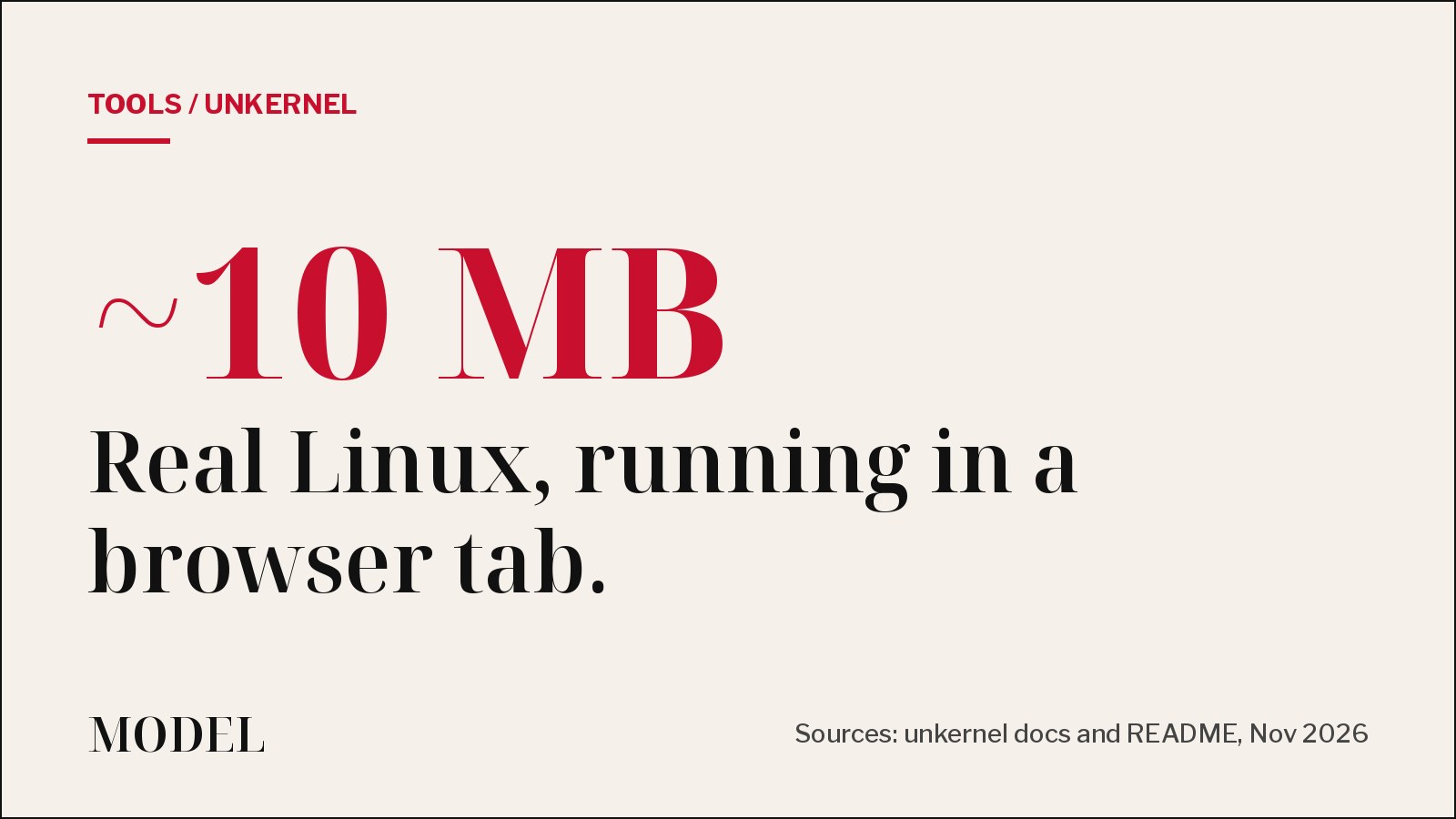
unkernel puts a real Linux kernel in a browser tab, and Vercel's CEO calls it unreal
unkernel compiles the Linux kernel itself to WebAssembly and runs unmodified Arm64 Alpine and Debian programs in a tab, with a shell, apt or apk, and a disk that survives reloads. It is an early 0.x project, and CPU-heavy work is well behind native. Not tested by MODEL.
· MODEL Editors
Hot take
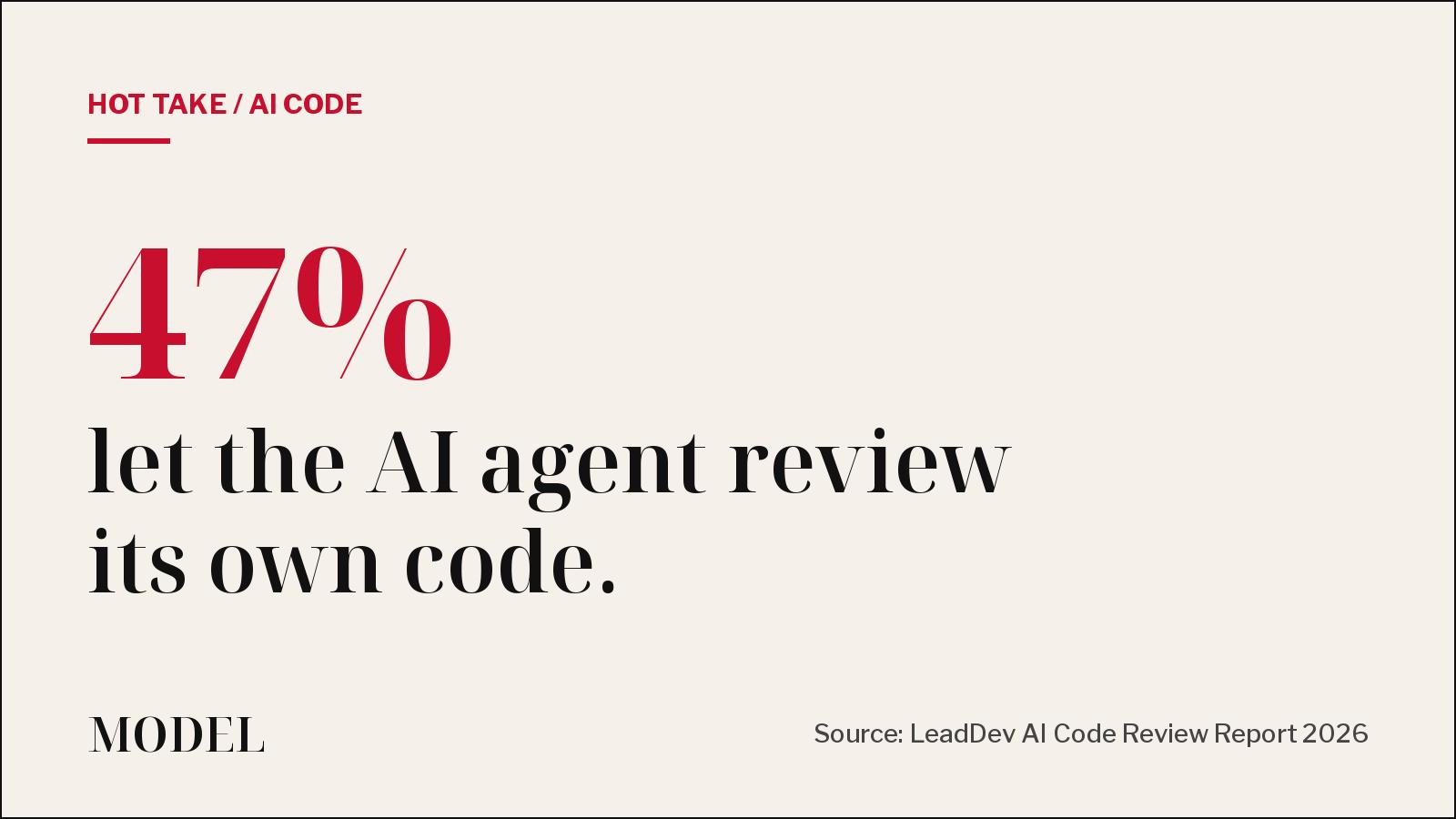
The AI wrote the code. Then it reviewed it. That's not a review
A new LeadDev survey of 377 engineers and engineering leaders found 47% of teams rely on AI coding agents to review their own work, and only 26% of reviewers are very confident they understand AI-written changes. Our take: a second opinion has to come from someone else.
· MODEL Editors

Zed + JetBrains
Zed and JetBrains move ACP v2 to Preview: background work, subagents and safe retries for editor agents
The open Agent Client Protocol connects editors to coding agents. Version 2 is now in Preview, adding background tasks you can stop one at a time, subagent sessions and duplicate-free retries. It is not frozen yet. Not tested by MODEL.
· MODEL Editors
FREE · EVERY WEEK
The top AI tools this week, tested.
Every week MODEL's editors pick the AI tools worth your time, try them hands-on, and tell you what's good, what's not, and who it's for. Free, in your inbox.
Free. Unsubscribe anytime. Our picks are editorial and can't be bought.