Google Antigravity's /btw now forks side threads you can keep
SummarySide questions in the Antigravity App now open in their own tab, take follow-ups, read your code, and can be promoted to a full conversation. The CLI version stays one question per card. Not tested by MODEL.
· MODEL Editors · 2 min read
Some links may be affiliate links. Disclosure
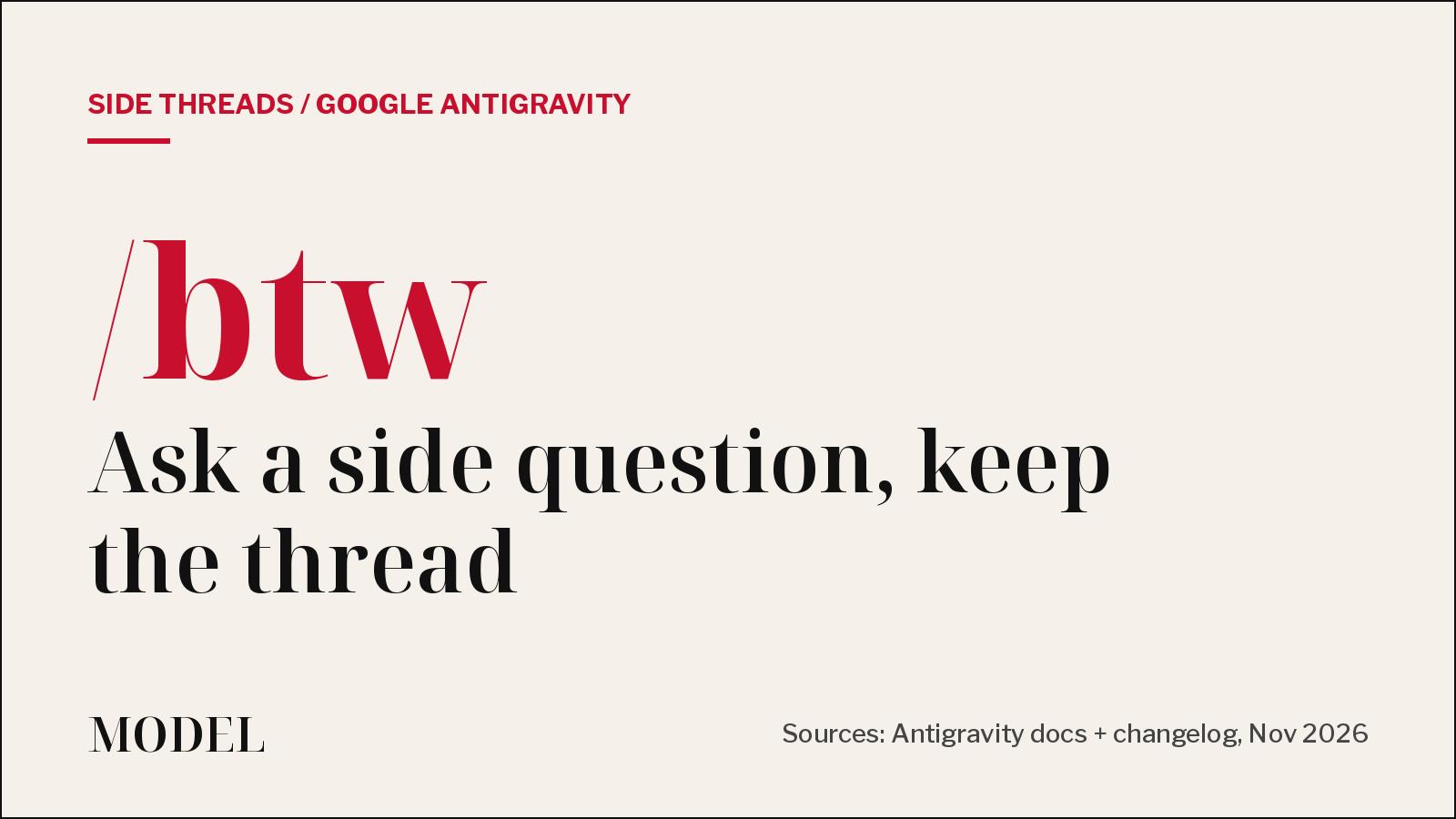
What happened. On Friday, Nov. 20, Google's Antigravity account said it had updated /btw "to do a lot more than answer one-off side questions." Before, it was a quick way to ask something while the main agent was busy. "Now, /btw allows you to fork, explore, and promote side threads without ever losing your place" (@antigravity on X (opens in a new tab)).
What "fork" means here. Per the /btw docs (opens in a new tab), sending /btw creates a new conversation that starts with a copy of your conversation history. The main agent keeps running, and nothing in the fork is written back to the main conversation.
Explore. In the Antigravity App, each side question opens in its own Side Question tab in the side panel (docs list App v2.32.0+; the changelog shipped multi-turn tabs in v2.32.2 on Nov. 16). You can send follow-ups in that tab. The side question can read files, search your workspace and run read-only commands. If a tool call needs approval, the request shows up in the tab. You can also start one from selected text (Ask /btw) or from the New Tab (+) menu.
Promote. When a side question finishes, Promote to Conversation turns it into a full conversation. You pick where it goes, such as the current folder or a new worktree. You can't promote one that's still running, or one asked inside a subagent's conversation. Closed tabs aren't deleted; they stay in the Overview panel until you delete them.
Recent additions. App v2.33.0 (Nov. 17) added an Insert into main conversation action on finished answers, plus starting a side question from selected subagent text. v2.34.0 (Nov. 20) lets you start one from selected terminal output with Cmd+E (Ctrl+E on Windows and Linux).
CLI is simpler. In the Antigravity CLI (v1.5.0+), /btw is still one question per card. No follow-ups, no promote. Tool calls that would need approval are denied automatically. It isn't available in headless mode or in remote agent sessions.
Caveats. "Read-only" is an instruction to the model, not a separate sandbox. The docs say a side question uses your normal permissions, so if you ask it to make a change, it can. In remote conversations in the App, side questions can't call tools. Google's changelog says new versions roll out gradually and may take a few days to reach everyone. MODEL has not tested it.
Disclosure: Not tested by MODEL. Not sponsored. No affiliate links.
MODEL Editors
Get three tested tools every Friday
Free, weekly. Unsubscribe anytime.
Sources
- We updated /btw in Antigravity
@antigravity on X
- Side question command (/btw)
Google Antigravity Docs
- Changelog (App v2.32.2, v2.33.0, v2.34.0)
Google Antigravity Docs
- Remote Agents (docs)
Google Antigravity Docs
Keep reading
Open weights
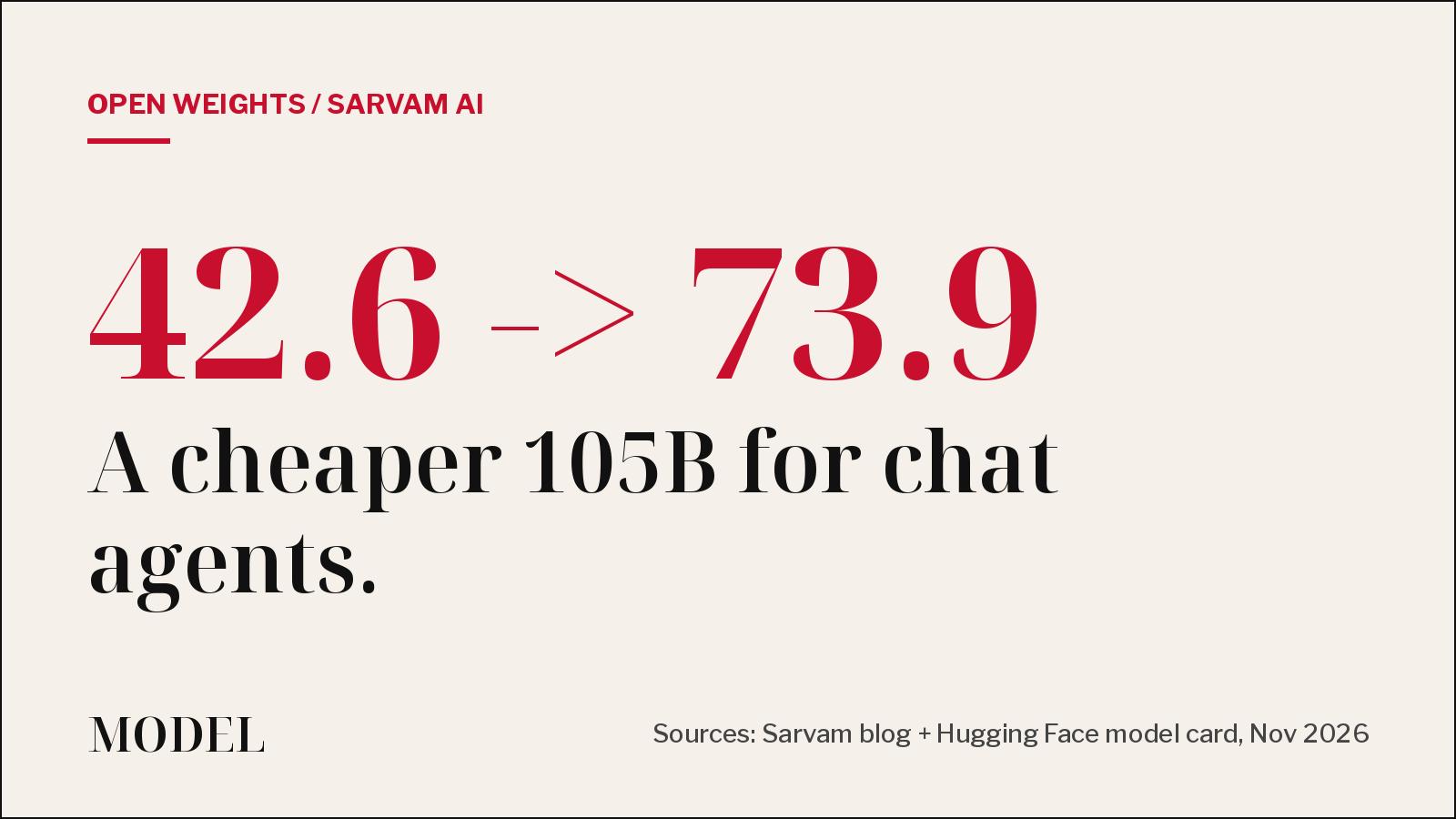
Sarvam's new 105B checkpoint targets cheap chat agents
Sarvam AI released Sarvam-105B-1711, an open-weight update built for customer support, voice agents and tool calls in Indian languages. Its own benchmarks put it level with Gemini 3.5 Flash-Lite at a lower price.
· MODEL Editors
Builder tip
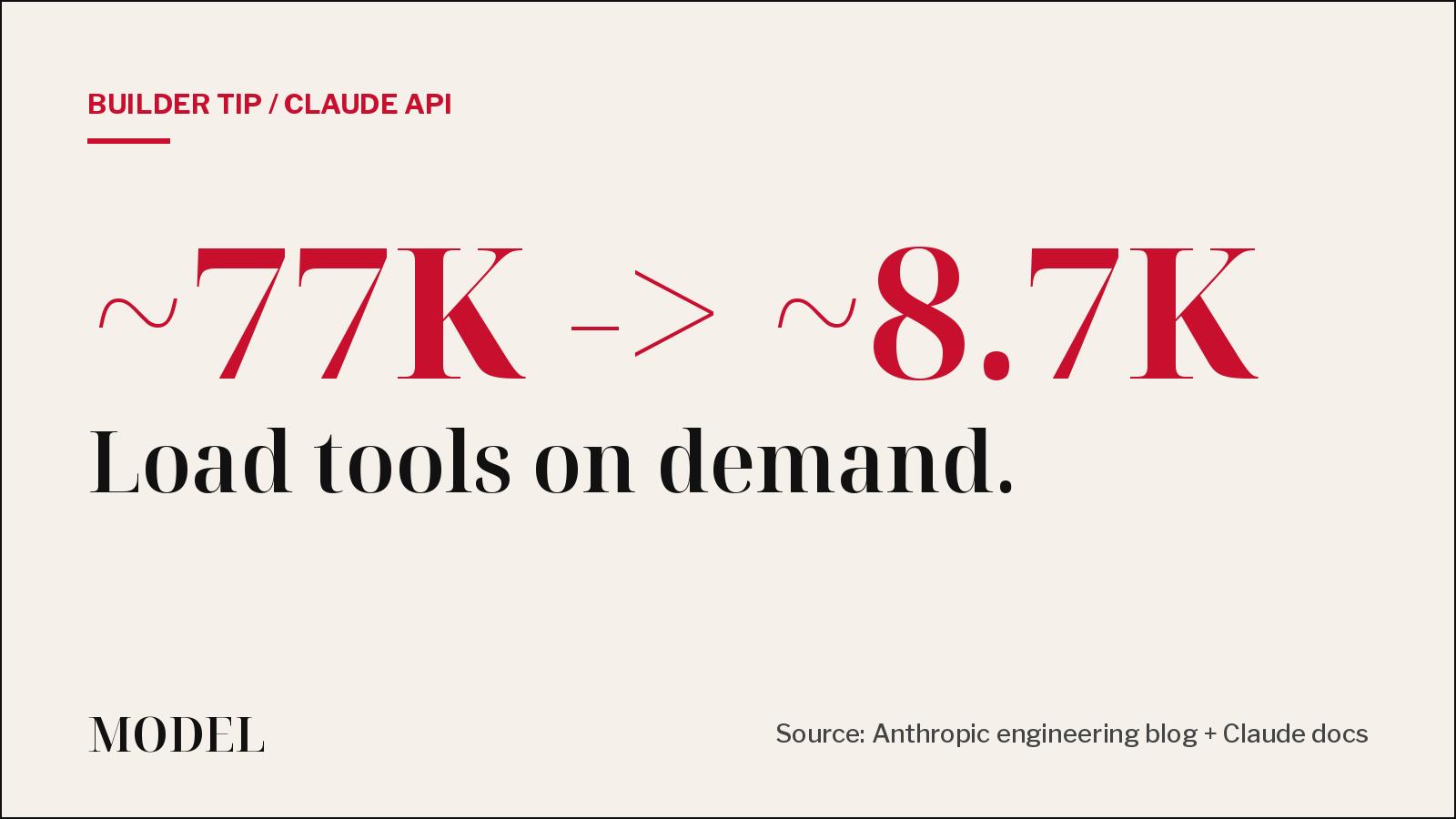
Your agent doesn't need all 58 tools in context. Defer them.
A thread calling Anthropic's tool-use write-up a new paper is going around X this weekend. It is a year old, and the advice still holds: mark most tools defer_loading and let Claude search for the few it needs.
· MODEL Editors
Hot take
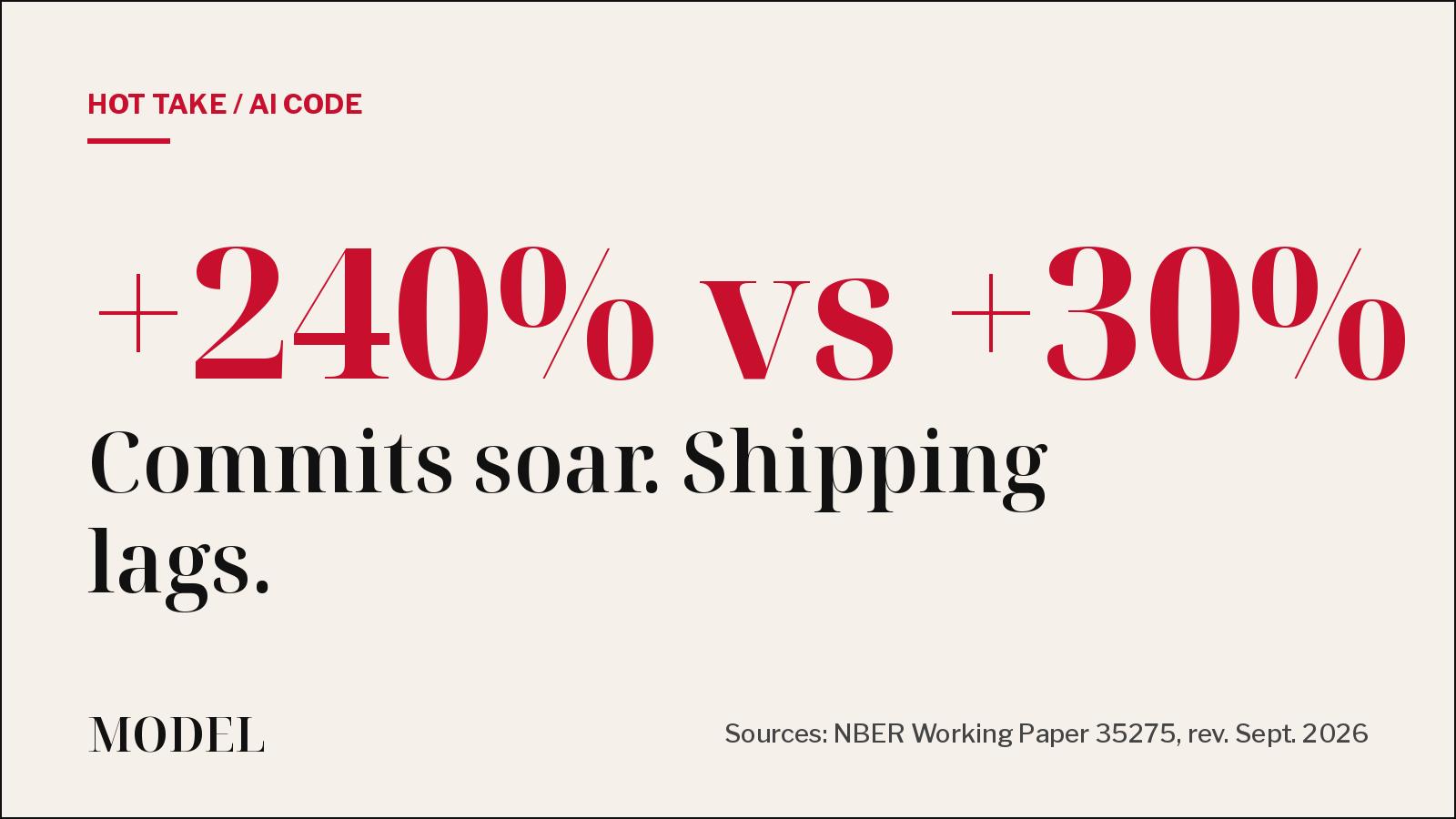
AI agents more than tripled commits. Releases rose 30%.
An NBER working paper that tracked more than 500,000 GitHub developers finds AI coding tools add huge amounts of code, but much less of it ships. It is circulating again this weekend. Our take: the bottleneck is now review, not typing.
· MODEL Editors
Tools
Claude Code's Code Mode reaches the stable channel: what it does, and the catch
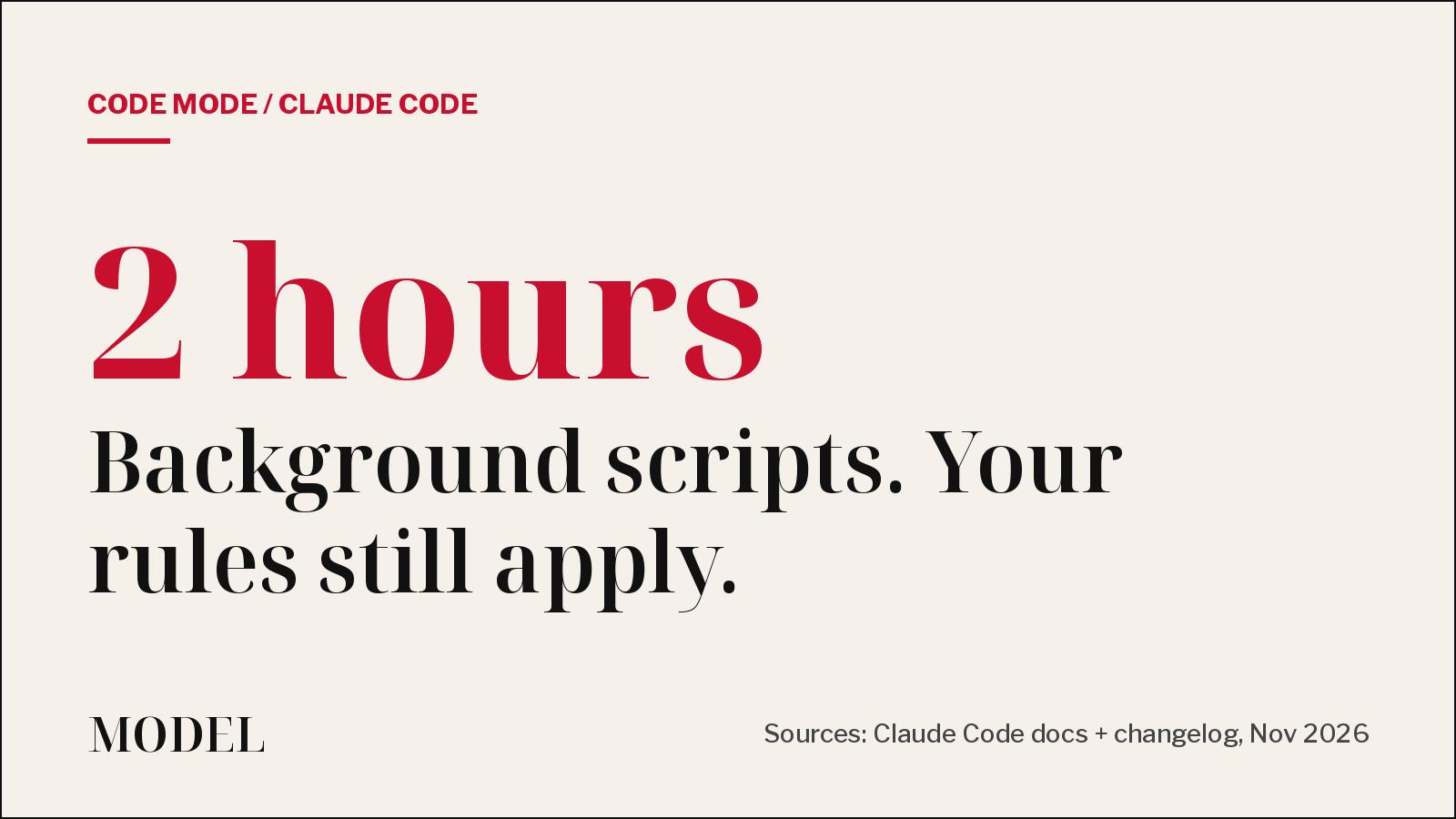
Code Mode has Claude write JavaScript that runs several tool calls in one step, including background scripts for up to two hours. A week after launch, the stable channel has caught up.
· MODEL Editors
FREE · EVERY WEEK
The top AI tools this week, tested.
Every week MODEL's editors pick the AI tools worth your time, try them hands-on, and tell you what's good, what's not, and who it's for. Free, in your inbox.
Free. Unsubscribe anytime. Our picks are editorial and can't be bought.