AWS Emulator 1.0.523, tested: a local AWS that refused what it should, and one old-CLI call that went to the real thing
SummaryWe ran AWS's free local emulator on Linux with no AWS account and no real keys. S3, SQS and DynamoDB worked, it was up in 0.23 seconds, and it enforced the three permission checks we tried. The catch: AWS CLI v1 sent one SQS call to the real AWS endpoint.
· MODEL Editors · 2 min read
Some links may be affiliate links. Disclosure

What it is. AWS Emulator is a free local stand-in for AWS that AWS made generally available on Nov. 11. The AWS CLI, the SDKs and coding agents call it over a local HTTPS endpoint with the normal AWS APIs, so you can test without an AWS account or a deployment. AWS charges no service fee for it, and the source is on GitHub under CC0 1.0 (AWS News Blog (opens in a new tab)). Background: our launch builder tip.
What we ran. On Nov. 19 we installed version 1.0.523 (the Linux .deb, release date Nov. 19, 2026) on Debian 13 and ran it with --telemetry off, following AWS's walkthrough. We used AWS CLI v2.41.1, plus AWS CLI v1 1.46.3 for one check. No real AWS credentials were set anywhere in the shell.
- Startup: it answered its health check 0.23 seconds after launch and used about 350 MB of memory while we worked.
- The basics worked: an S3 bucket, upload and list; an SQS queue, send and receive; a DynamoDB table, write and read back.
- It behaves like AWS, delays included: a new DynamoDB table came back as
CREATING, and writing to it right away failed withResourceNotFoundException. Afteraws dynamodb wait table-exists(3.5 seconds) the write and read worked. Real AWS does the same, so a test that passes here won't skip the wait. - Wrong keys get refused: a request signed with a made-up AWS-style key got
AccessDenied: Sign the request with the emulator credentials. - It enforced the permissions we tried: a new IAM user with no policies was refused (
no identity-based policy allows the s3:CreateBucket action). An explicit Deny on our own user blocked bucket creation. A bucket policy denyingGetObjectblocked the read. - Restart wipes it: after a restart, our buckets and tables were gone.
The gotcha we hit. With the old AWS CLI v1 (1.46.3), sqs create-queue ignored AWS_ENDPOINT_URL and went to the real https://queue.amazonaws.com/, twice. It failed only because our certificate setting trusted just the emulator. The same call with CLI v2, or with --endpoint-url https://127.0.0.1:9297, stayed local, and CLI v1 s3 ls with the same settings also stayed local. If real keys had been in that shell, the call could have reached real AWS.
The catch. AWS's own launch post says the emulator "doesn't evaluate AWS Identity and Access Management (IAM) policies and resource-based policies the way AWS does, so a request that AWS denies might succeed in the emulator," and tells you not to use it to test whether your application is secure. Our three permission checks matched AWS, but three checks don't prove that. We did not test Docker, the Rust embedded mode, the fidelity suite, throttling, outages or several accounts.
The MODEL verdict. A good place to let a coding agent break things: no bill, no account, no cleanup, and it starts faster than most test runners. Use CLI v2, keep real keys out of the shell, and check permissions and the full app on real AWS before production.
Tested by MODEL Editors on Nov. 19, 2026 with AWS Emulator 1.0.523. Not sponsored. No affiliate links.
Get three tested tools every Friday
Free, weekly. Unsubscribe anytime.
Sources
Keep reading
Builder tip
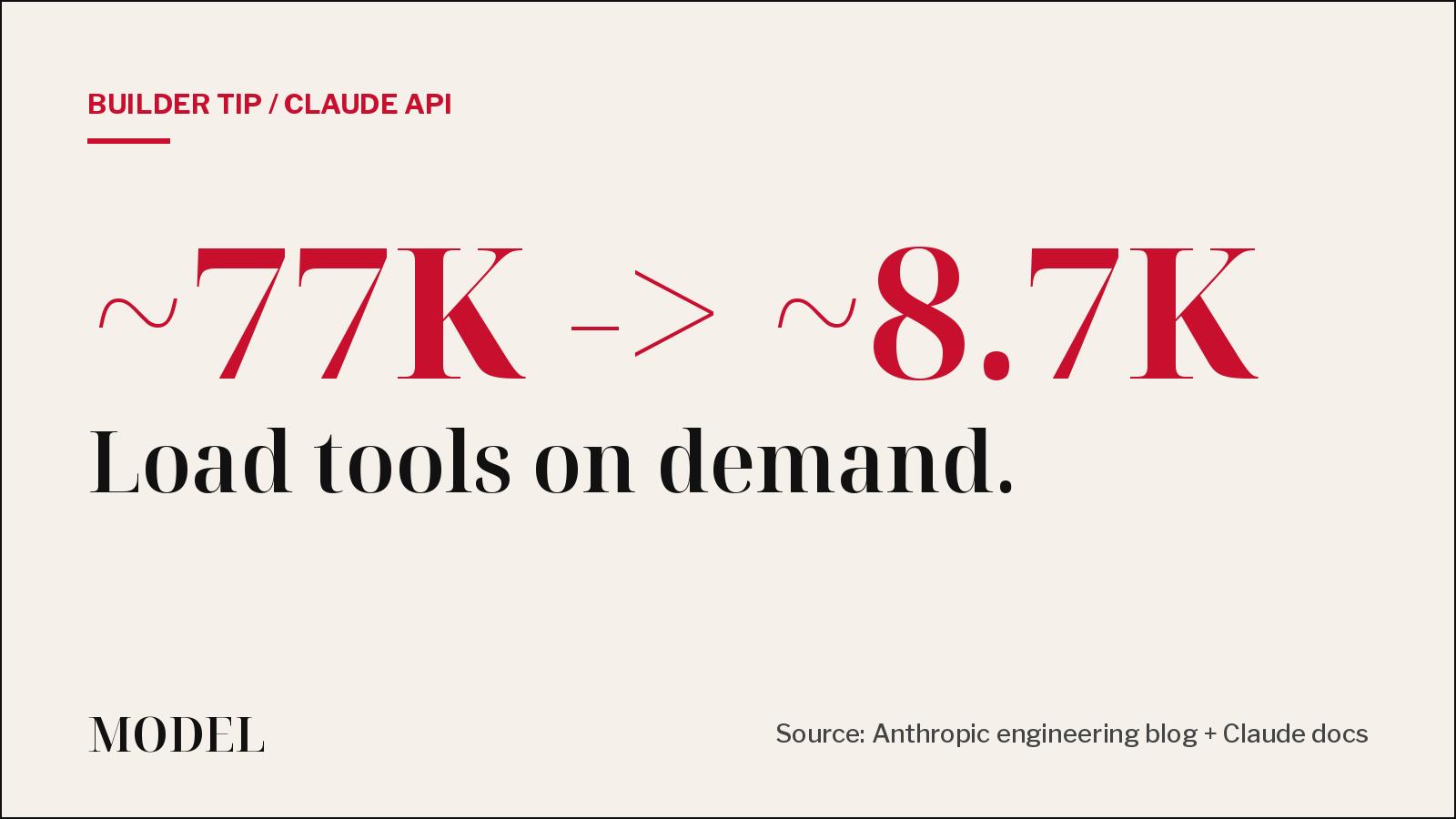
Your agent doesn't need all 58 tools in context. Defer them.
A thread calling Anthropic's tool-use write-up a new paper is going around X this weekend. It is a year old, and the advice still holds: mark most tools defer_loading and let Claude search for the few it needs.
· MODEL Editors

Hot take
AI agents more than tripled commits. Releases rose 30%.
An NBER working paper that tracked more than 500,000 GitHub developers finds AI coding tools add huge amounts of code, but much less of it ships. It is circulating again this weekend. Our take: the bottleneck is now review, not typing.
· MODEL Editors
Tools
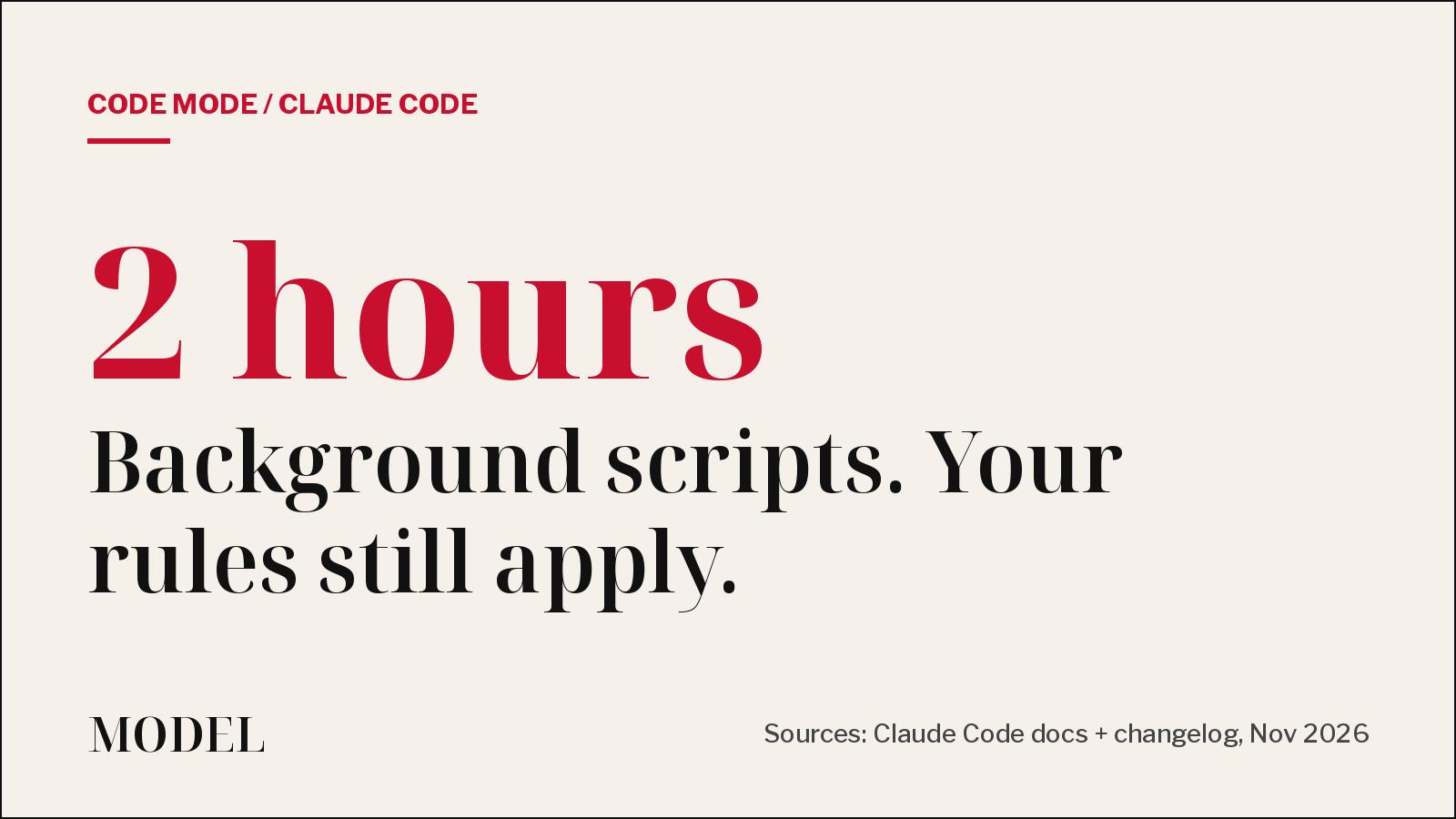
Claude Code's Code Mode reaches the stable channel: what it does, and the catch
Code Mode has Claude write JavaScript that runs several tool calls in one step, including background scripts for up to two hours. A week after launch, the stable channel has caught up.
· MODEL Editors
AI News
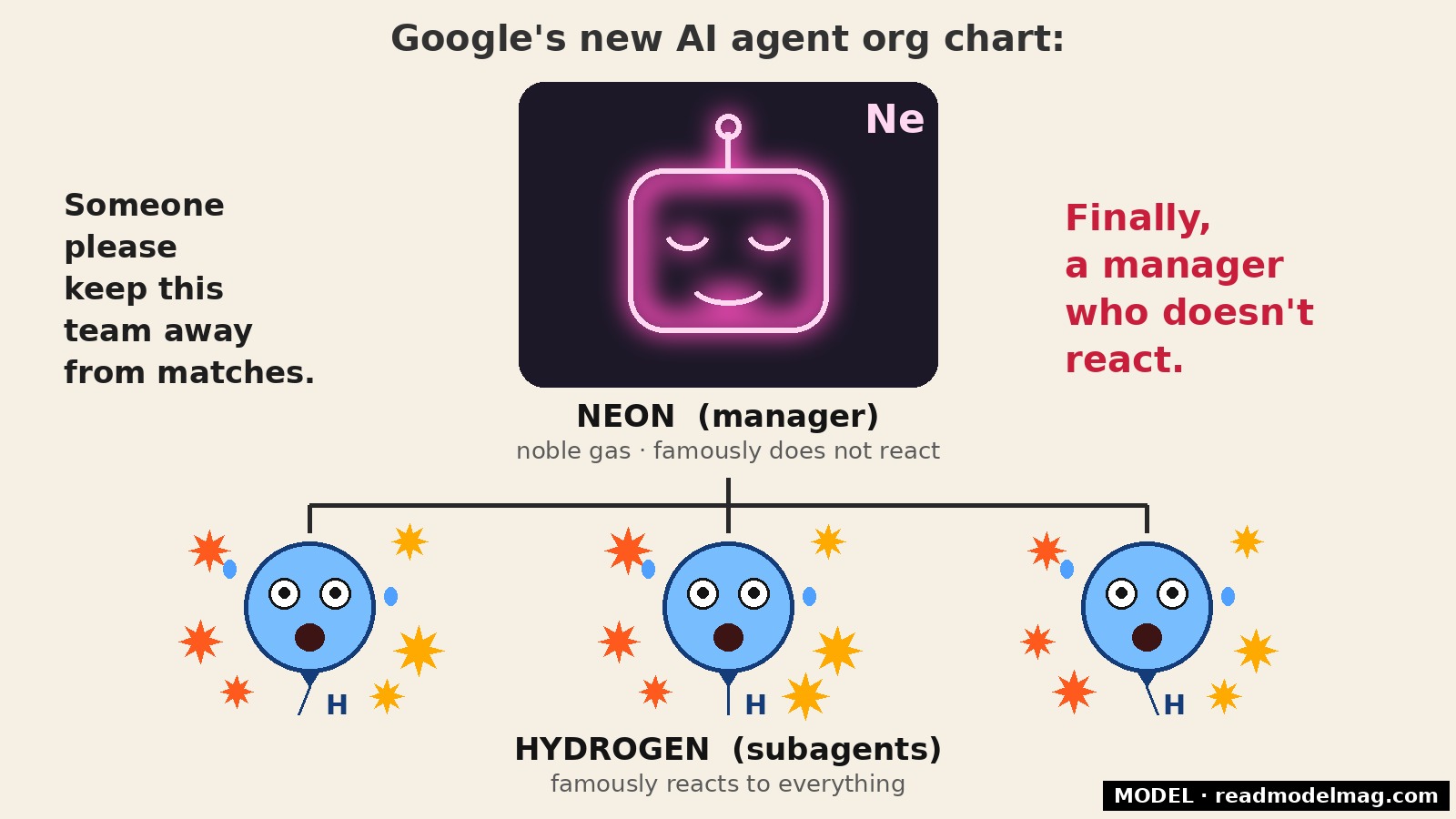
Gemini 4 Neon is out, and in Antigravity it manages Hydrogen
Google's Nov. 18 model sits between Carbon and Hydrogen at $3/$15 per million tokens. In Antigravity, Orchestrator can now pair Neon as planner with Hydrogen as executor. Not tested by MODEL.
· MODEL Editors
FREE · EVERY WEEK
The top AI tools this week, tested.
Every week MODEL's editors pick the AI tools worth your time, try them hands-on, and tell you what's good, what's not, and who it's for. Free, in your inbox.
Free. Unsubscribe anytime. Our picks are editorial and can't be bought.