The cleanup prompt everyone bookmarked today: "find everything that's broken"
SummaryAnthropic's Alex Albert says he runs one prompt on all his projects whenever a new model ships. More than 10,000 people saved it within hours. Here's the prompt, and how to run it without losing your evening.
· MODEL Editors · 2 min read
Some links may be affiliate links. Disclosure
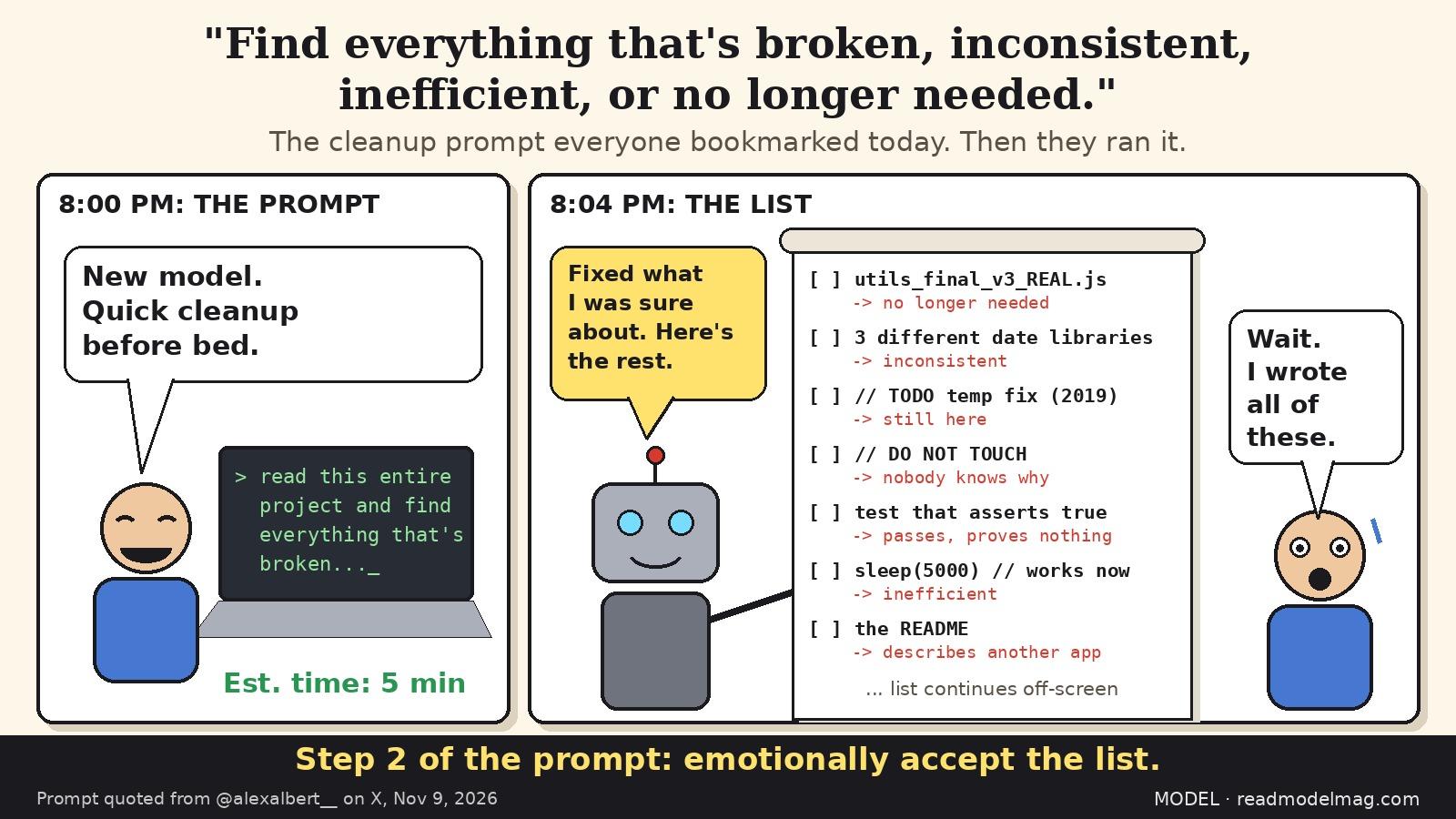
What happened. On Monday, Nov. 9, at about 12:08 p.m. PT, Alex Albert (opens in a new tab), who lists his role as research at Anthropic, posted that every time there's a new model he runs the same prompt on all his projects:
"Read this entire project and find everything that's broken, inconsistent, inefficient, or no longer needed. Fix what you're sure about and list the rest for me to review."
He added: "highly recommend trying." By about 8 p.m. PT the post had more than 510,000 views and more than 10,000 bookmarks, about twice its like count. People clearly plan to run it. The post came the same day Anthropic launched Claude Fable 5.2, though the prompt itself doesn't name a model.
Why it works. The prompt asks for four kinds of problems (broken, inconsistent, inefficient, unused) and splits the output in two: changes the model is sure about get made, and everything else comes back as a list for a human to decide. That second half matters. Deleting "unused" code is where cleanup passes usually go wrong.
How to run it without regret. This is MODEL's advice, not Albert's:
- Commit or stash first, and run it on a fresh branch so you can throw the whole pass away.
- Make sure your tests actually run before you start. "Fix what you're sure about" is only as safe as the checks behind it.
- Read the diff like a pull request from a new teammate. Watch for deleted code that something outside the repo still calls (cron jobs, webhooks, other services).
- Treat "no longer needed" as a suggestion. Feature flags, migrations and config for other environments often look dead from inside one repo.
- Big repo? Run it one folder or package at a time so the list stays reviewable.
Caveats. MODEL did not test this prompt for this story, and results will depend on the model, the tool and the size of your project. The view and bookmark counts are from X's public metrics at the time of writing and will change. The items in our cartoon are jokes, not output from a real run.
Disclosure: Not sponsored. No affiliate links. Not tested by MODEL.
MODEL Editors
Get three tested tools every Friday
Free, weekly. Unsubscribe anytime.
Sources
Keep reading
Tool test
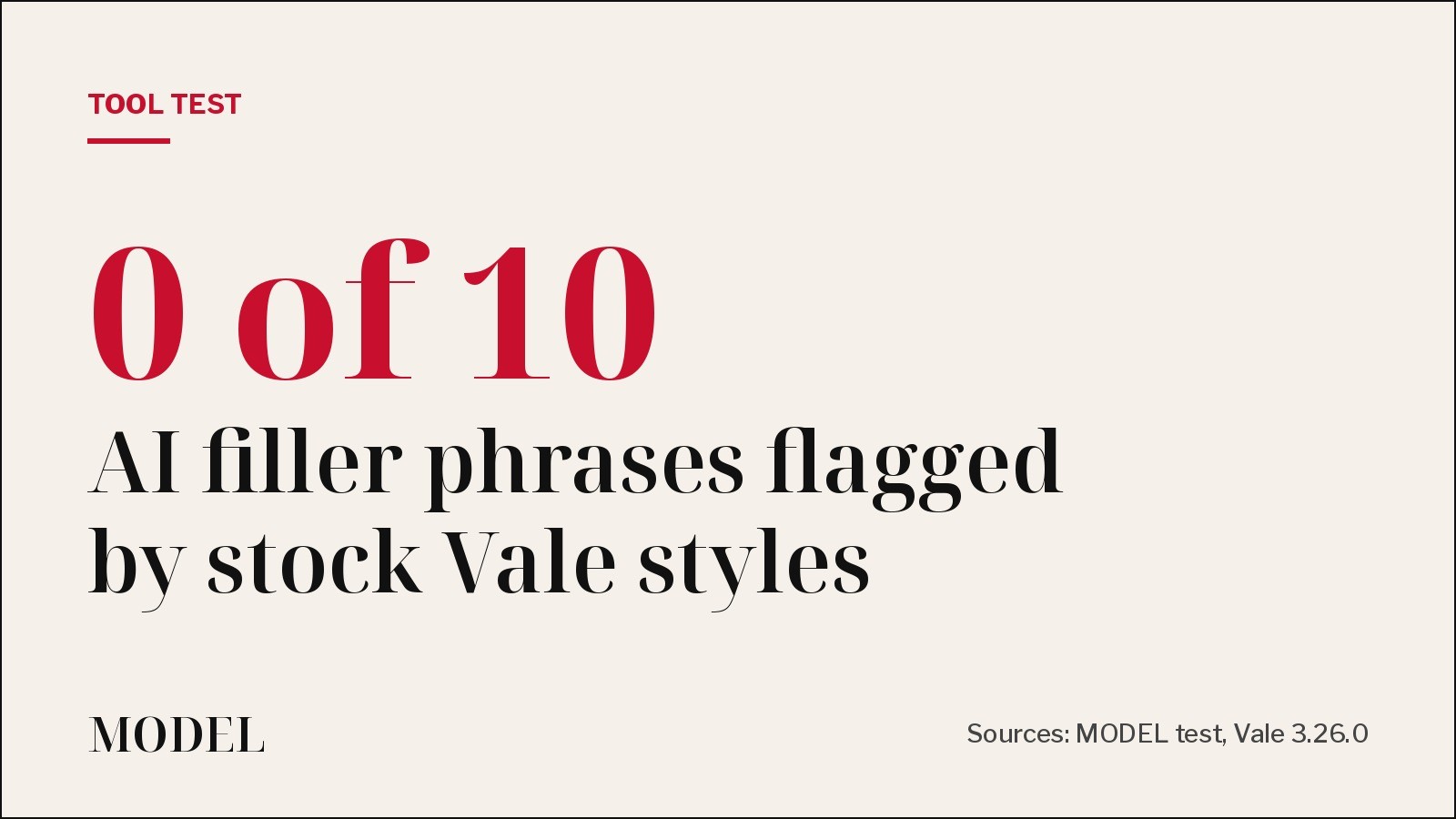
We ran Vale on an AI-written README. Its stock styles missed all 10 filler phrases.
Vale 3.26.0 with its built-in, write-good and proselint styles flagged 'very' and 'utilize' but none of the stock AI phrases we planted. A 14-line custom rule caught all 10 and failed the run.
· MODEL Editors
Tool Update
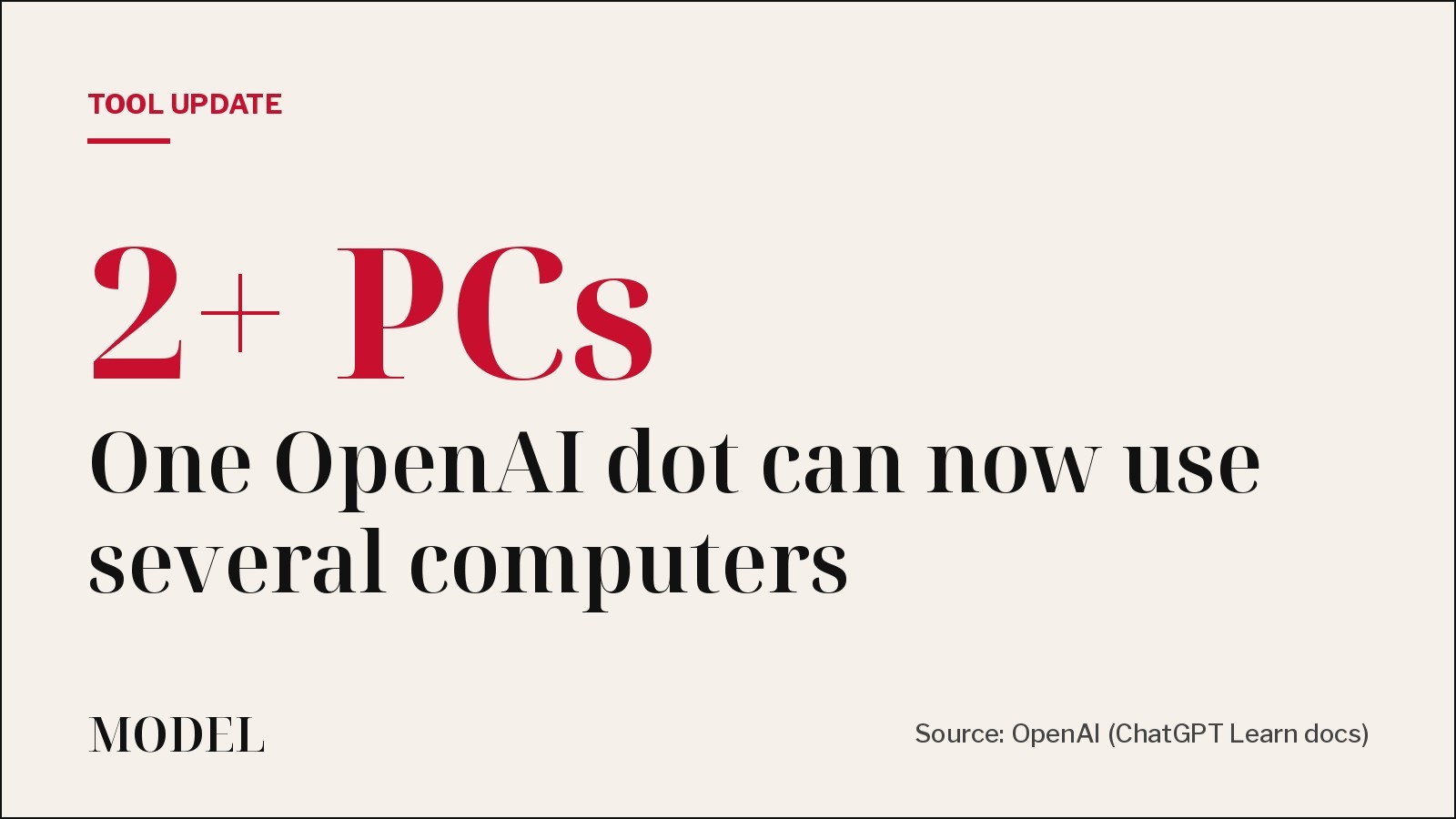
One OpenAI dot can now work across several of your computers
OpenAI's always-on dots can now connect to more than one local computer, and you tell the dot which one to use for a task. Each thread still runs on one computer at a time. Not tested by MODEL.
· MODEL Editors
Builder tip
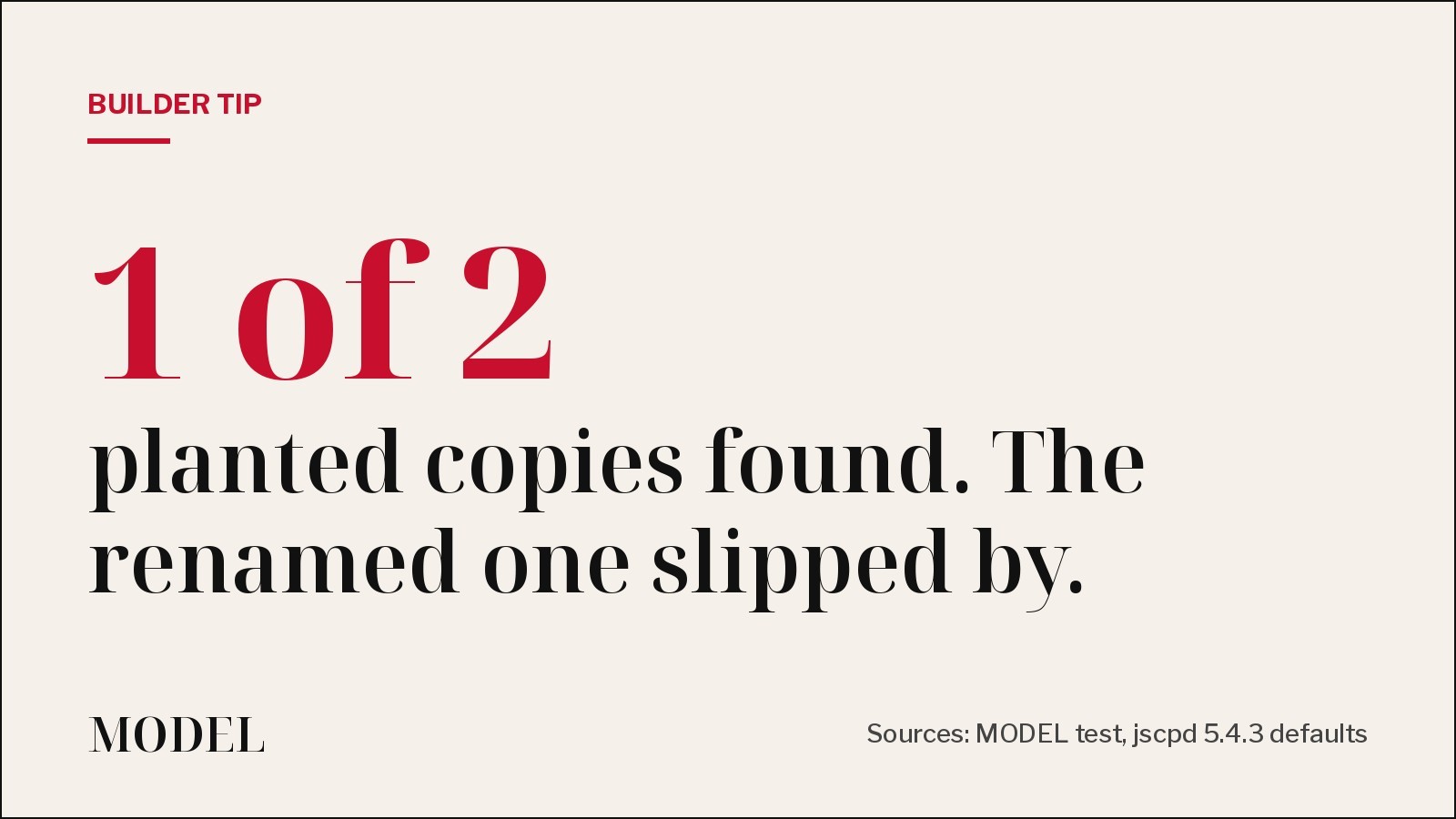
Builder tip: your duplicate-code check probably misses the copy your agent renamed
We planted two copy-pasted functions in a small TypeScript repo and ran jscpd 5.4.3. On default settings it found the exact copy, missed the one with renamed variables, and still exited 0. Two flags fix both problems.
· MODEL Editors
Tool Launch
Expo previews Exact, an app framework built for coding agents
Write the interface once in a small language called Contract, add logic in TypeScript or Rust, and run it natively on web, iOS, macOS and Linux. An agent can build, run, screenshot and test it on each. It is pre-1.0 and changes daily. Not tested by MODEL.
· MODEL Editors
FREE · EVERY WEEK
The top AI tools this week, tested.
Every week MODEL's editors pick the AI tools worth your time, try them hands-on, and tell you what's good, what's not, and who it's for. Free, in your inbox.
Free. Unsubscribe anytime. Our picks are editorial and can't be bought.