We tested Microsoft's MarkItDown: a fresh install can't read Word files right now, and a one-line pin fixes it
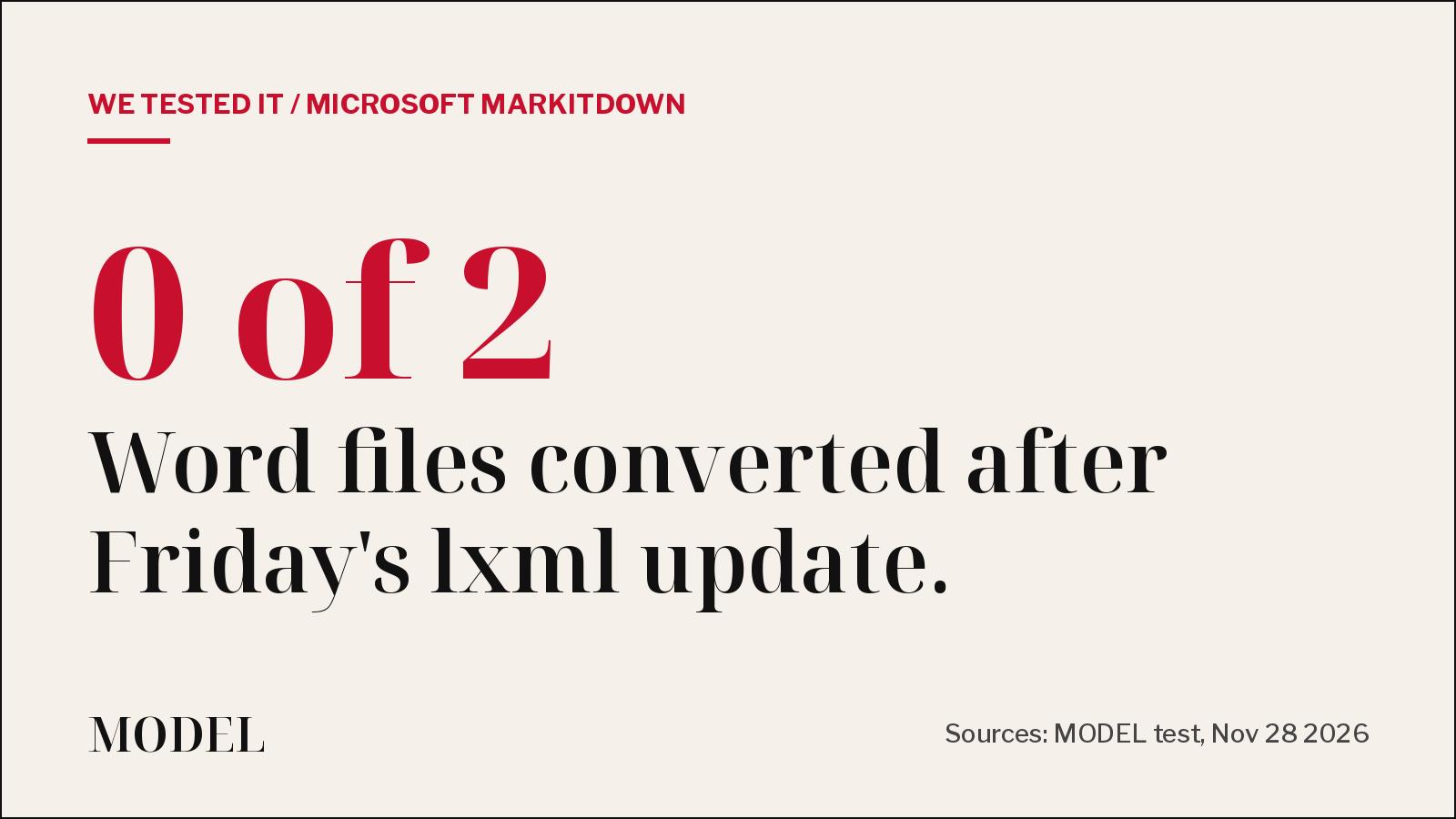
SummaryMarkItDown turns Office files, PDFs and web pages into Markdown for AI tools. On a clean install today, every Word file we tried failed after Friday's lxml 6.2.0 release. Pinning lxml 6.1.3 fixed it. Excel, PowerPoint and HTML worked; PDFs had catches.
· MODEL Editors · 2 min read
Some links may be affiliate links. Disclosure
MarkItDown is Microsoft's free, open-source (MIT) Python tool that turns Word, Excel, PowerPoint, PDF and HTML files into Markdown so AI models can read them. It has about 199,000 GitHub stars, and it was on GitHub's daily trending list when we tested it on Saturday evening. PyPI download stats (pypistats) show about 7.3 million downloads in the past week.
We installed version 0.1.9, the latest release, in a clean environment on Linux and fed it six files we made ourselves, plus a Word file from MarkItDown's own test suite. No AI model and no cloud services were involved.
The break. pip install 'markitdown[all]' currently pulls in lxml 6.2.0, which was published on PyPI on Friday, Nov. 27. With it, both Word files failed with: "Could not find the body element: are you sure this is a docx file?" That includes MarkItDown's own test document.
Why. Before converting, MarkItDown rewrites the Word file's XML through BeautifulSoup. In our run with lxml 6.2.0, that step dropped the Word XML namespace, so the converter it hands off to (Mammoth) could not find the document body. Mammoth on its own read the same file fine.
The fix we confirmed. Pin the older lxml:
pip install 'lxml==6.1.3'
After that, our Word file came out with its heading, bullet list and table intact, and MarkItDown's test document converted too. Reinstalling lxml 6.2.0 brought the error straight back. A community pull request to fix this in MarkItDown (#2934) was opened Friday night and was not merged when we tested.
What else we saw.
- Excel: each sheet became a heading plus a clean Markdown table.
- PowerPoint: slide title, table and speaker notes all came through.
- HTML: scripts and styles were stripped; the table and links stayed.
- PDF with a simple table: it "worked", but the table was flattened to one cell per line and the title landed after the first paragraph.
- Scanned PDF (image only): exit code 0 and an empty file, with no warning. Reading scans needs the OCR plugin with an AI model, or Microsoft's Azure document services.
Who it's for. Anyone feeding documents to an AI pipeline, RAG system or agent. It is fast: each file took under a second, including startup.
The catch. Check your output, not your exit code: a broken dependency or a scanned page can give you nothing. MarkItDown's own README warns that it "performs I/O with the privileges of the current process" and says to sanitize inputs in untrusted environments.
What we did not test. Audio, YouTube, EPUB, ZIP and image files, AI image descriptions, the OCR plugin, Azure services, the MCP server, Docker, Windows or macOS, and large files.
The MODEL verdict. Still one of the easiest ways to get Office files into an AI pipeline, and the Excel and PowerPoint output was clean. If you installed or rebuilt since Friday, pin lxml==6.1.3 until a fix ships, and add a check for empty output.
Tested by MODEL Editors on Nov. 28, 2026 with MarkItDown 0.1.9, lxml 6.2.0 and 6.1.3, BeautifulSoup 4.15.0, Python 3.14 on Linux. Not sponsored. No affiliate links. MODEL has no relationship with Microsoft.
Get three tested tools every Friday
Free, weekly. Unsubscribe anytime.
Sources
Keep reading
Kandinsky ImageSR 2.0
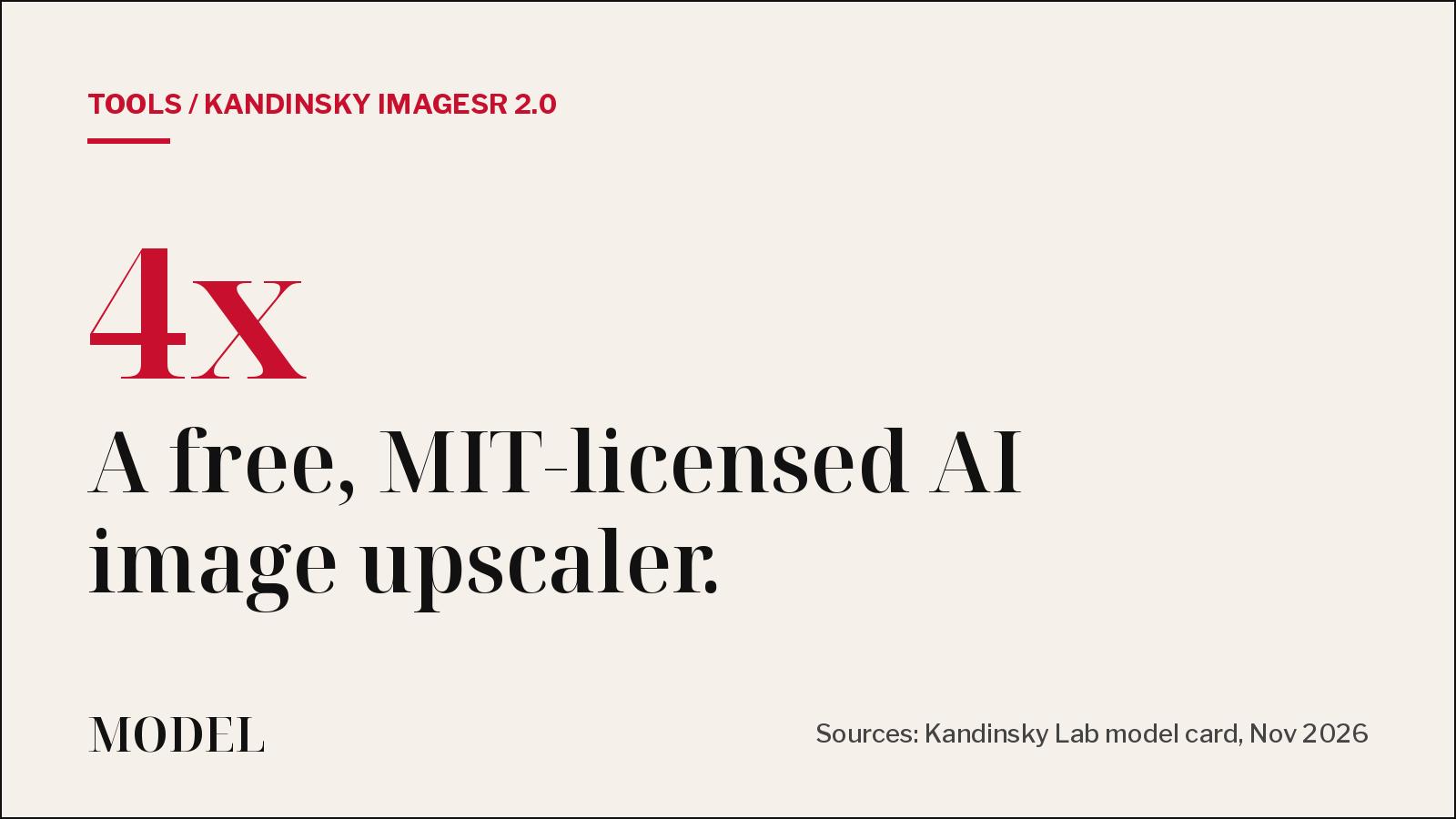
Kandinsky ImageSR 2.0 is a free, MIT-licensed AI upscaler, and Hugging Face's product head is a fan
Kandinsky Lab's new model cleans up images at their original size or upscales them 2x or 4x, with a 0-8 creativity dial. It is free under the MIT license with a demo on Hugging Face, but local runs are built for an Nvidia GPU. Not tested by MODEL.
· MODEL Editors
Claude Code
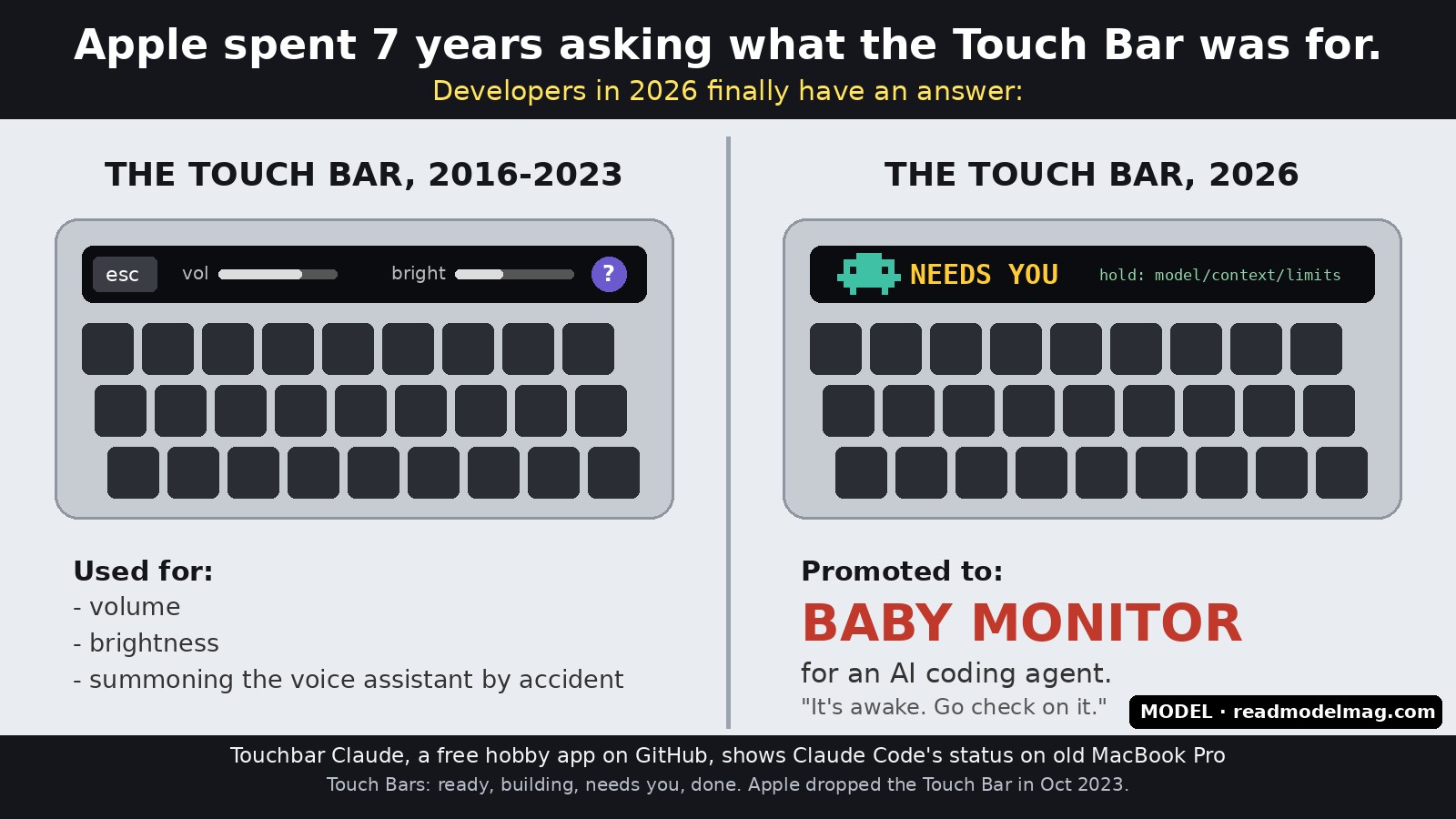
The MacBook Touch Bar finally has a job: watching Claude Code
A free hobby app puts a tiny pixel Claude on old MacBook Pro Touch Bars to show what Claude Code is doing. Clips of Claude on the Touch Bar are going around X this weekend, three years after Apple dropped the strip.
· MODEL Editors
Google Antigravity
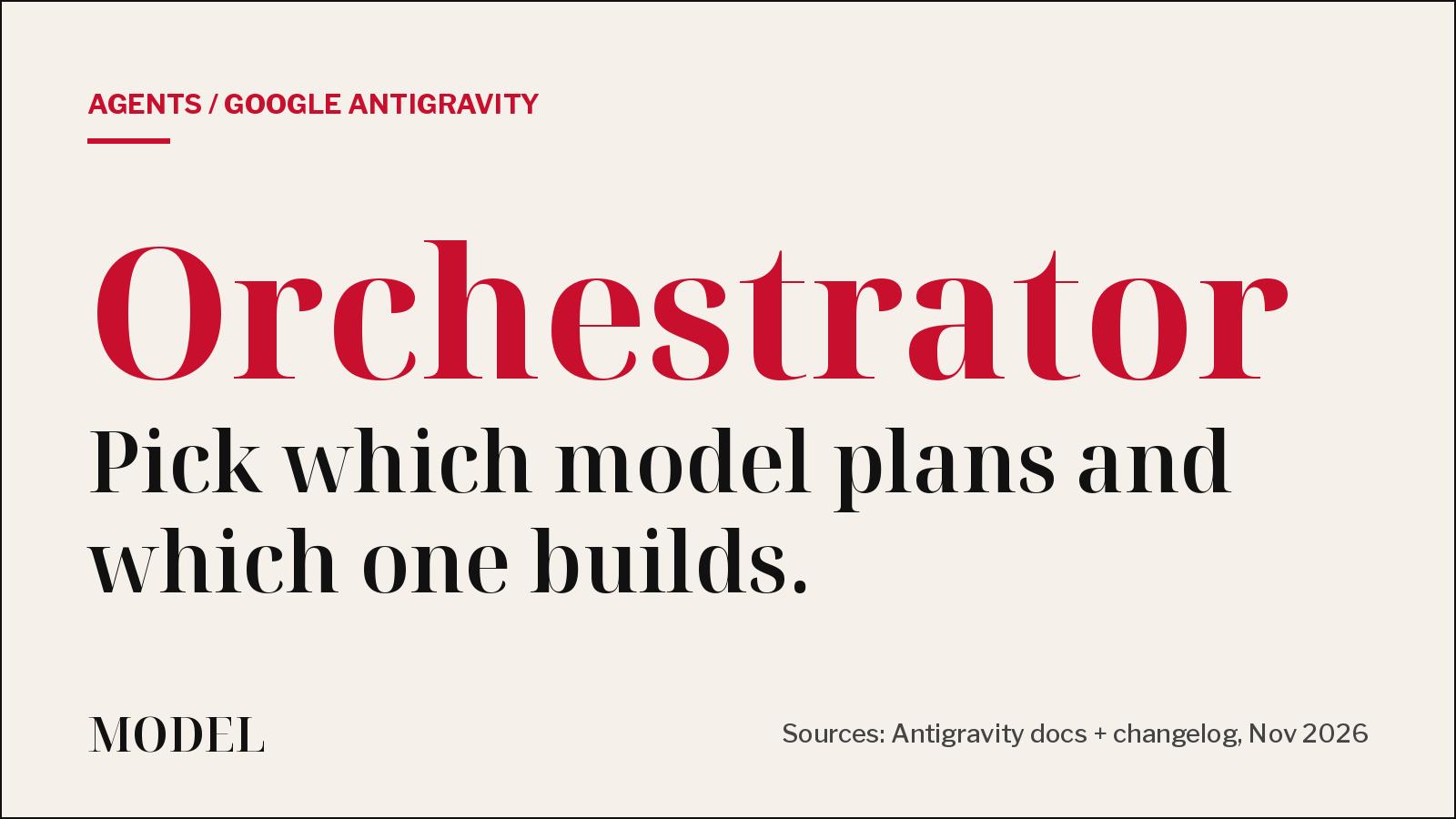
Google Antigravity now lets you pick which model plans and which one builds
Orchestrator Settings in the Antigravity App pair a planner (Gemini 4 Neon, Carbon, Argon or Claude Opus 5.5) with an executor (Gemini 4 Hydrogen or Claude Sonnet 5.5). Pro and Ultra only. Not tested by MODEL.
· MODEL Editors
Builder tip
Not urgent? Pay half: move evals and backfills to batch APIs
OpenAI, Anthropic and Google all sell the same tokens at 50% off if you can wait for the answer. Here are the limits, the windows and the catches to plan for.
· MODEL Editors
FREE · EVERY WEEK
The top AI tools this week, tested.
Every week MODEL's editors pick the AI tools worth your time, try them hands-on, and tell you what's good, what's not, and who it's for. Free, in your inbox.
Free. Unsubscribe anytime. Our picks are editorial and can't be bought.