Google Antigravity now lets you pick which model plans and which one builds
SummaryOrchestrator Settings in the Antigravity App pair a planner (Gemini 4 Neon, Carbon, Argon or Claude Opus 5.5) with an executor (Gemini 4 Hydrogen or Claude Sonnet 5.5). Pro and Ultra only. Not tested by MODEL.
· MODEL Editors · 2 min read
Some links may be affiliate links. Disclosure
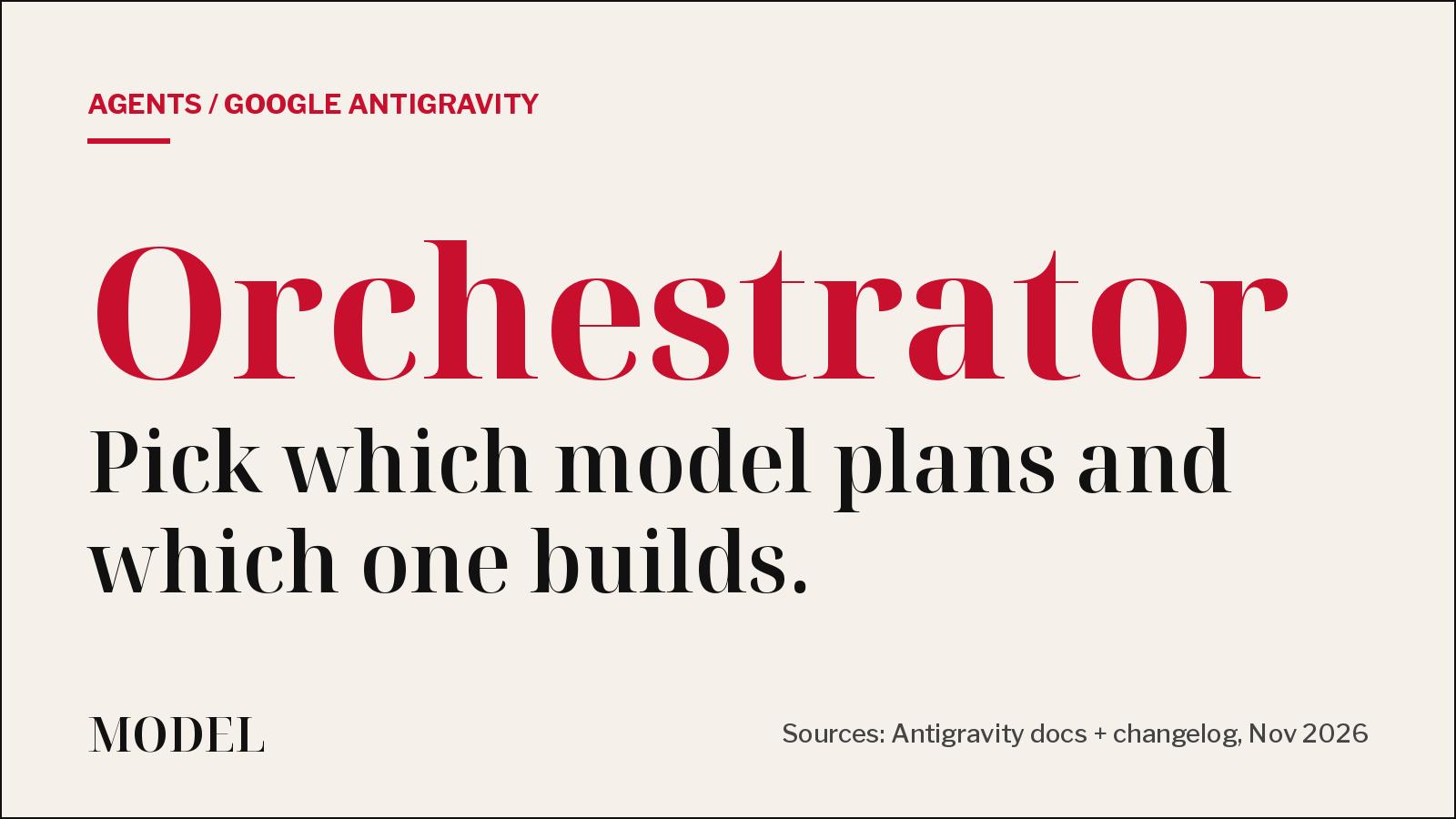
What happened. On Saturday, Nov. 28, Google's Antigravity account posted: "You can now customize how Orchestrator splits the work in Google Antigravity." The idea: pick a top-tier model to plan, architect and review, and pair it with a faster, cheaper model to do the hands-on work (@antigravity on X (opens in a new tab)).
Where the setting lives. In the Antigravity App, go to Settings > Models > Orchestrator Settings. Per the model docs (opens in a new tab), you choose a model and thinking level for each role there. You can also hover Orchestrator in the model picker to swap the planner for one conversation only. Custom picks in the App apply to local conversations.
The two roles and the options.
- Orchestrator model (planner): explores the codebase, writes the plan and reviews progress. Options: Gemini 4 Neon (default), Gemini 4 Carbon, Gemini 4 Argon or Claude Opus 5.5.
- Executor model: searches, edits files, runs builds and tests. Options: Gemini 4 Hydrogen (default) or Claude Sonnet 5.5.
How the handoff works. Google says Orchestrator is not a router that sends your whole prompt to one model. Each message starts with a read-only planning step. Then the executor takes over. If it hits trouble, such as a check that fails twice or a design choice the plan didn't settle, it hands control back to the planner, which fixes the plan. All of this happens inside one response. Google says this gives you top-tier planning while finishing faster and using fewer tokens than running the planner alone. It has not published numbers for that. (Background: Gemini 4 Neon as planner, Hydrogen as executor.)
Recent changes. App v2.35.0 (Nov. 23) made the default planner and executor start at High thinking effort instead of the highest level available. App v2.36.0 (Nov. 27) fixed a bug where picking the same model for both roles fell back to a different default model. In the CLI, v1.5.14 (Nov. 21) lets consumer-plan users pick both the planner and executor and each one's effort in /model in local sessions, saved under "orchestrator" in settings.json.
Who gets it. Custom planner and executor choices are for Google AI Pro (paid, or a trial on eligible premium devices) and Google AI Ultra. The docs say the Claude 5.5 models on Pro are for non-trial subscriptions only. Gemini Enterprise accounts can't customize it: Orchestrator there always runs Gemini 4 Carbon (High) as planner with Gemini 4 Hydrogen (High) as executor. Free and Google AI Plus plans don't get Orchestrator.
Caveats. Google hasn't published results for specific pairings, so "which combo is best" is still up to you. A slower planner may also mean more waiting before any code changes. Google's changelog says new versions roll out gradually and may take a few days to reach everyone. MODEL has not tested it.
Disclosure: Not tested by MODEL. Not sponsored. No affiliate links.
MODEL Editors
Get three tested tools every Friday
Free, weekly. Unsubscribe anytime.
Sources
- You can now customize how Orchestrator splits the work in Google Antigravity
@antigravity on X
- Choose a model: Orchestrator
Google Antigravity Docs
- Changelog (App v2.35.0, v2.36.0; CLI v1.5.14, v1.5.15)
Google Antigravity Docs
Keep reading
Builder tip
Not urgent? Pay half: move evals and backfills to batch APIs
OpenAI, Anthropic and Google all sell the same tokens at 50% off if you can wait for the answer. Here are the limits, the windows and the catches to plan for.
· MODEL Editors

unkernel
unkernel puts a real Linux kernel in a browser tab, and Vercel's CEO calls it unreal
unkernel compiles the Linux kernel itself to WebAssembly and runs unmodified Arm64 Alpine and Debian programs in a tab, with a shell, apt or apk, and a disk that survives reloads. It is an early 0.x project, and CPU-heavy work is well behind native. Not tested by MODEL.
· MODEL Editors
Hot take
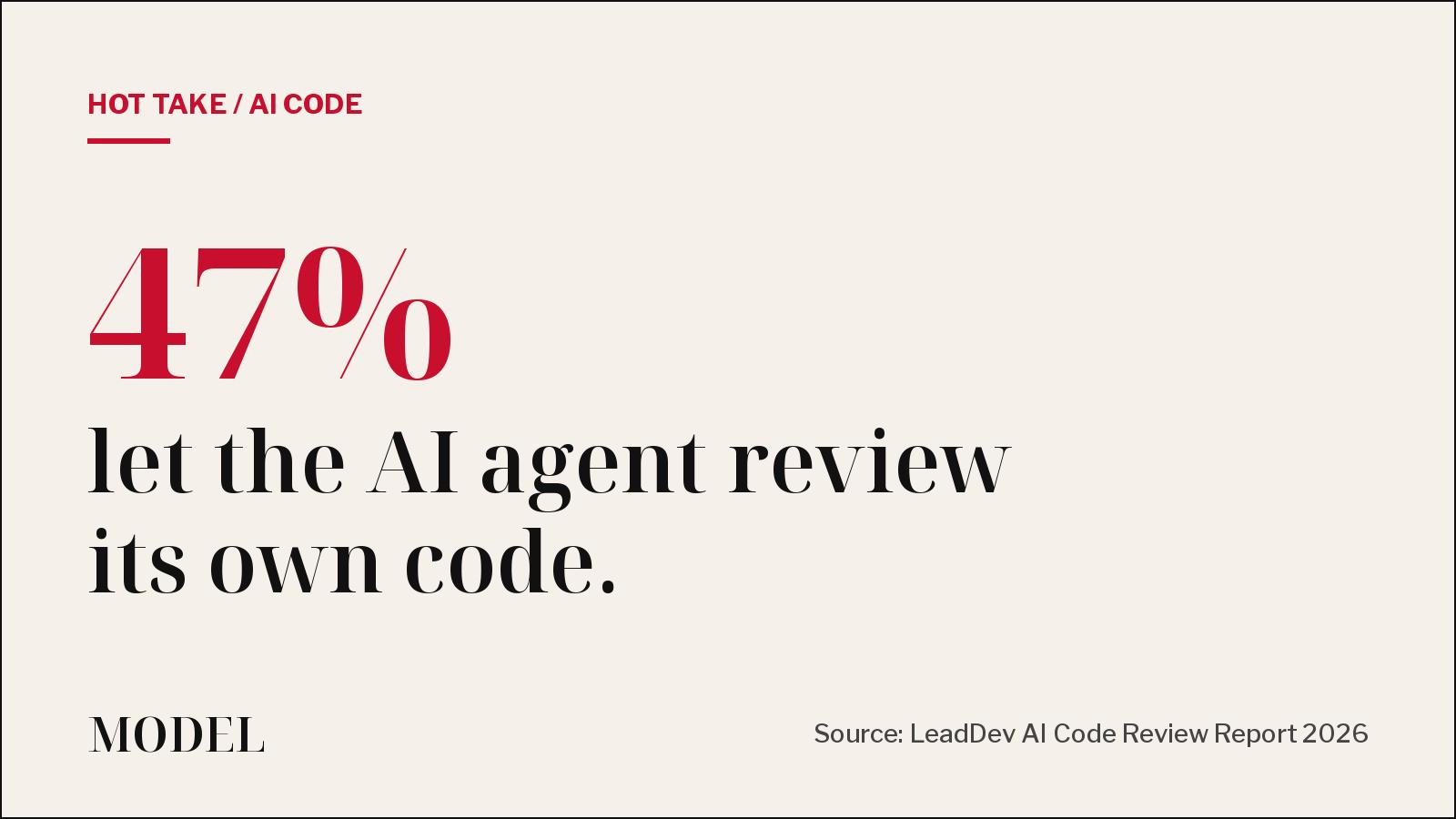
The AI wrote the code. Then it reviewed it. That's not a review
A new LeadDev survey of 377 engineers and engineering leaders found 47% of teams rely on AI coding agents to review their own work, and only 26% of reviewers are very confident they understand AI-written changes. Our take: a second opinion has to come from someone else.
· MODEL Editors
The test
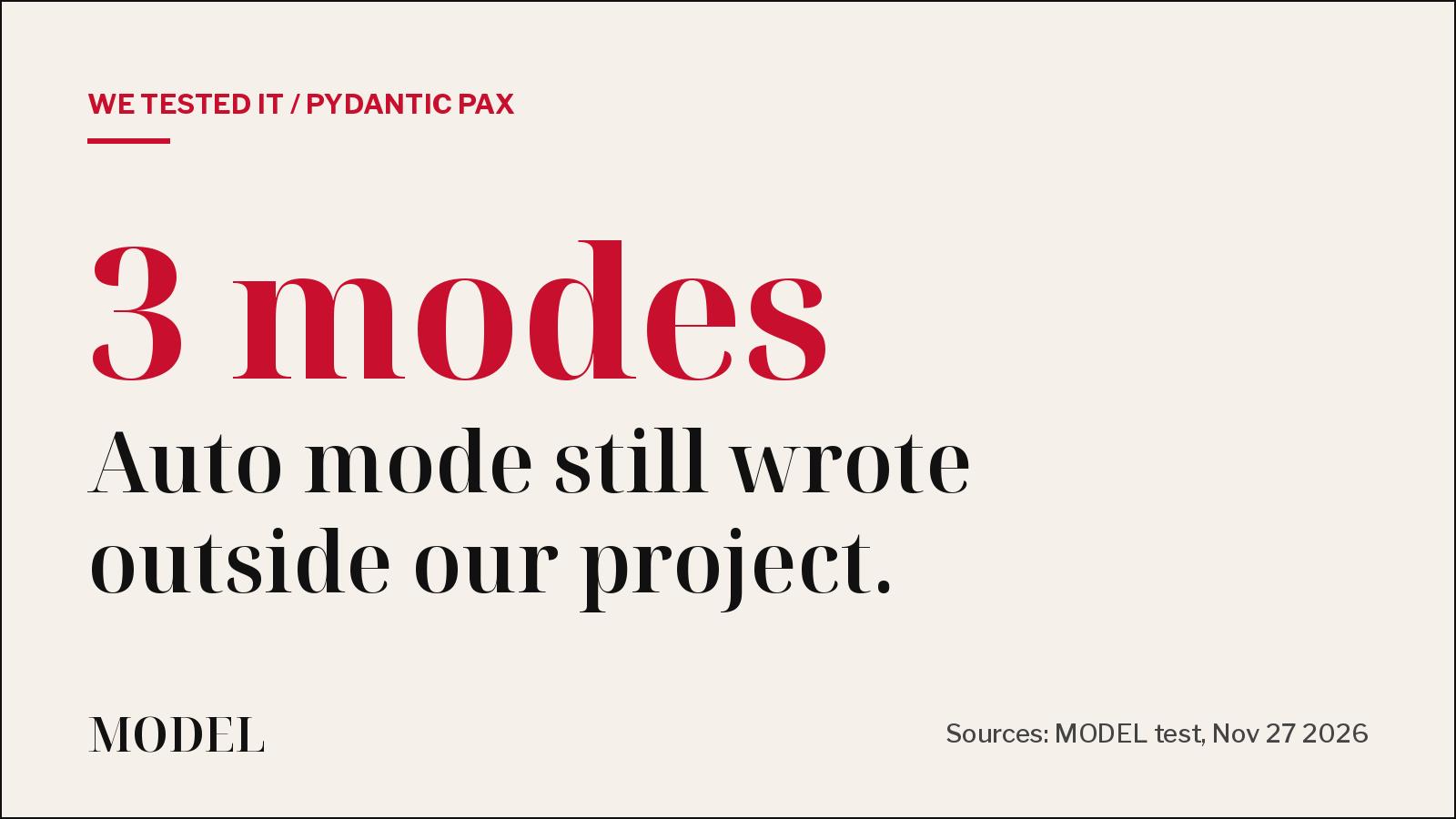
Pydantic Pax tested: the new coding agent's safety modes mostly work, but auto mode wrote outside our project
Pydantic's new terminal coding agent installs in two seconds and has three permission modes. We tested all three with a scripted stand-in model. Read-only blocked everything. Auto held rm -rf and curl, but its file tool still wrote outside the project folder.
· MODEL Editors
FREE · EVERY WEEK
The top AI tools this week, tested.
Every week MODEL's editors pick the AI tools worth your time, try them hands-on, and tell you what's good, what's not, and who it's for. Free, in your inbox.
Free. Unsubscribe anytime. Our picks are editorial and can't be bought.