Google Antigravity now renders MCP Apps: tool results as live panels
SummaryAntigravity's desktop app can show interactive views from MCP servers inline in chat, in a side panel, full-page or as a custom file viewer. You need a plugin or server that ships the UI, and Google's changelog ties it to eligible paid plans. Not tested by MODEL.
· MODEL Editors · 2 min read
Some links may be affiliate links. Disclosure
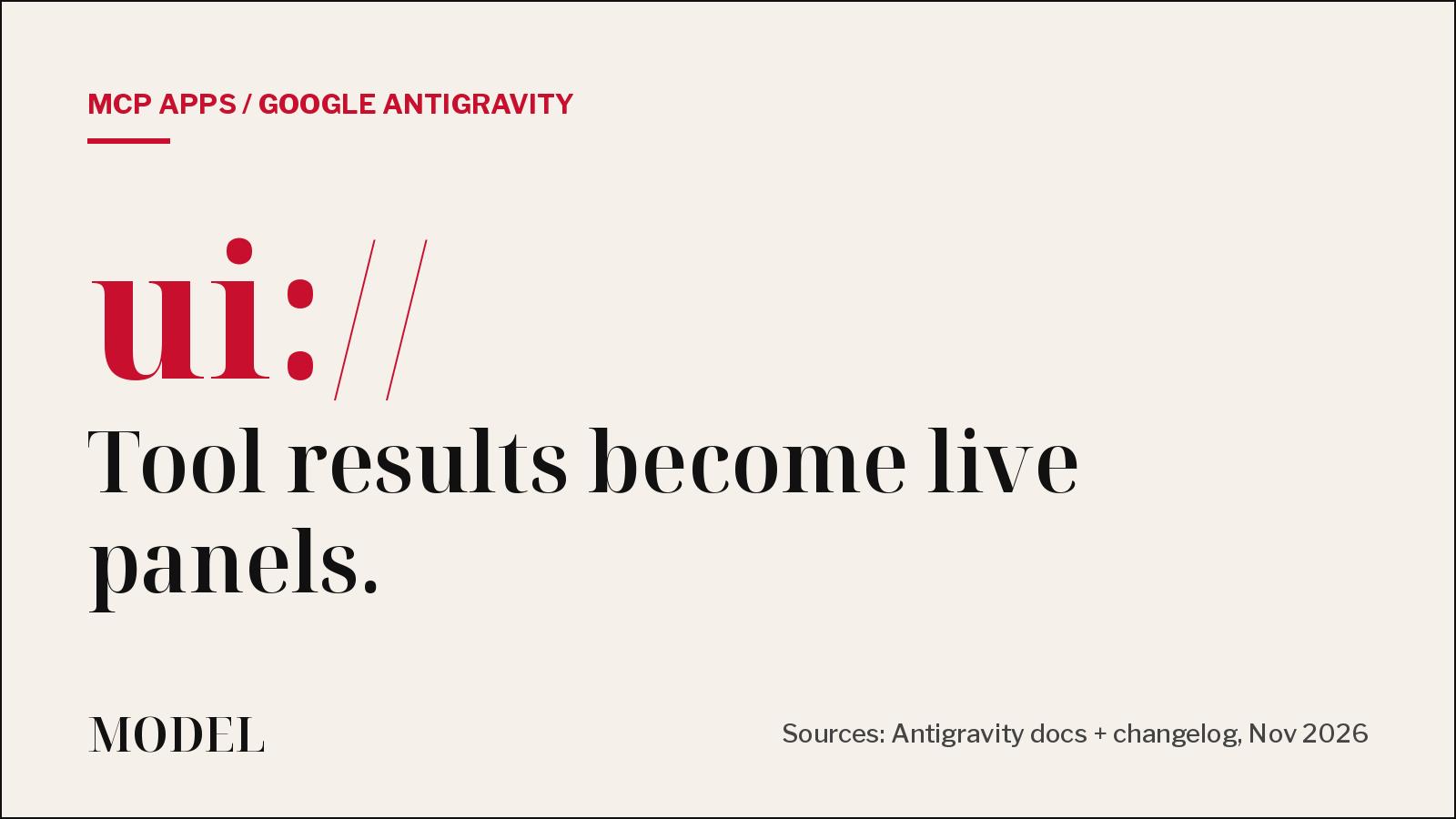
What it is. Google's Antigravity agent app now supports MCP Apps, which let a Model Context Protocol (MCP) tool return an interactive HTML view alongside its usual text output (Antigravity docs (opens in a new tab)). Google announced it on X on Nov. 24; its changelog lists MCP App support in Antigravity App v2.34.0, dated Nov. 20, and says new versions roll out gradually. Google's examples: interactive charts, sandboxes, release boards and custom file viewers inside your workspace.
Where the views show up. Per Google's docs, each tool decides where its view renders:
- Inline in chat, replacing the usual tool-step card (auto-resizing up to 800 px tall);
- Side panel, next to the conversation, one tab per tool;
- Full page, opened from Plugins in the left sidebar;
- File viewer, replacing the built-in viewer for file types a plugin claims.
Built on an open spec. Antigravity implements the open MCP Apps specification (io.modelcontextprotocol/ui) and adds its own extension (com.google.antigravity/ui) for the side panel, full-page and file viewer surfaces. Google says the Antigravity CLI, the Antigravity IDE and other MCP clients without UI support still run the same tools, as plain text.
How to build one. The app includes a built-in /mcp-app-development command that scaffolds a starter plugin. By hand, you bundle a single-file ui:// HTML resource, package your server as a plugin with an mcp_config.json, and validate and install it with the agy plugin commands.
Guardrails. Per the docs, views run in an isolated iframe with no persistent browser storage and a default-deny content security policy. HTML and file reads or writes are capped at 10 MiB, and a custom file viewer gets an opaque file reference, not the raw path on your disk.
The catch. Every MCP App comes from a plugin or MCP server that you install or build, so you only get panels where someone has shipped the UI. For one-off charts or diagrams, Google points to a different feature, /generative_ui. Google's v2.34.0 release note says the update brought MCP App support to "eligible paid consumer plans," and Antigravity doesn't tell an app when its view closes, so builders should save edits as they go.
Who it's for. Teams already living in Antigravity who want dashboards, deploy boards or file editors next to their agent, and developers who build MCP servers and would rather target an open spec than one app's private format.
The MODEL take. Building on the open spec instead of a Google-only format is the right call, though the side panel, full-page and file viewer spots are Antigravity's own extensions. The value depends on how many plugins actually ship views, so watch the Marketplace.
Not tested by MODEL. Not sponsored. No affiliate links.
Get three tested tools every Friday
Free, weekly. Unsubscribe anytime.
Sources
- MCP Apps (Antigravity documentation)
Google Antigravity
- Antigravity changelog (App v2.34.0, Nov. 20, 2026)
Google Antigravity
- MCP Apps overview
Model Context Protocol
- Google Antigravity: MCP Apps are now supported
X
Keep reading
Hot take
Your coding agent can't leave working code alone
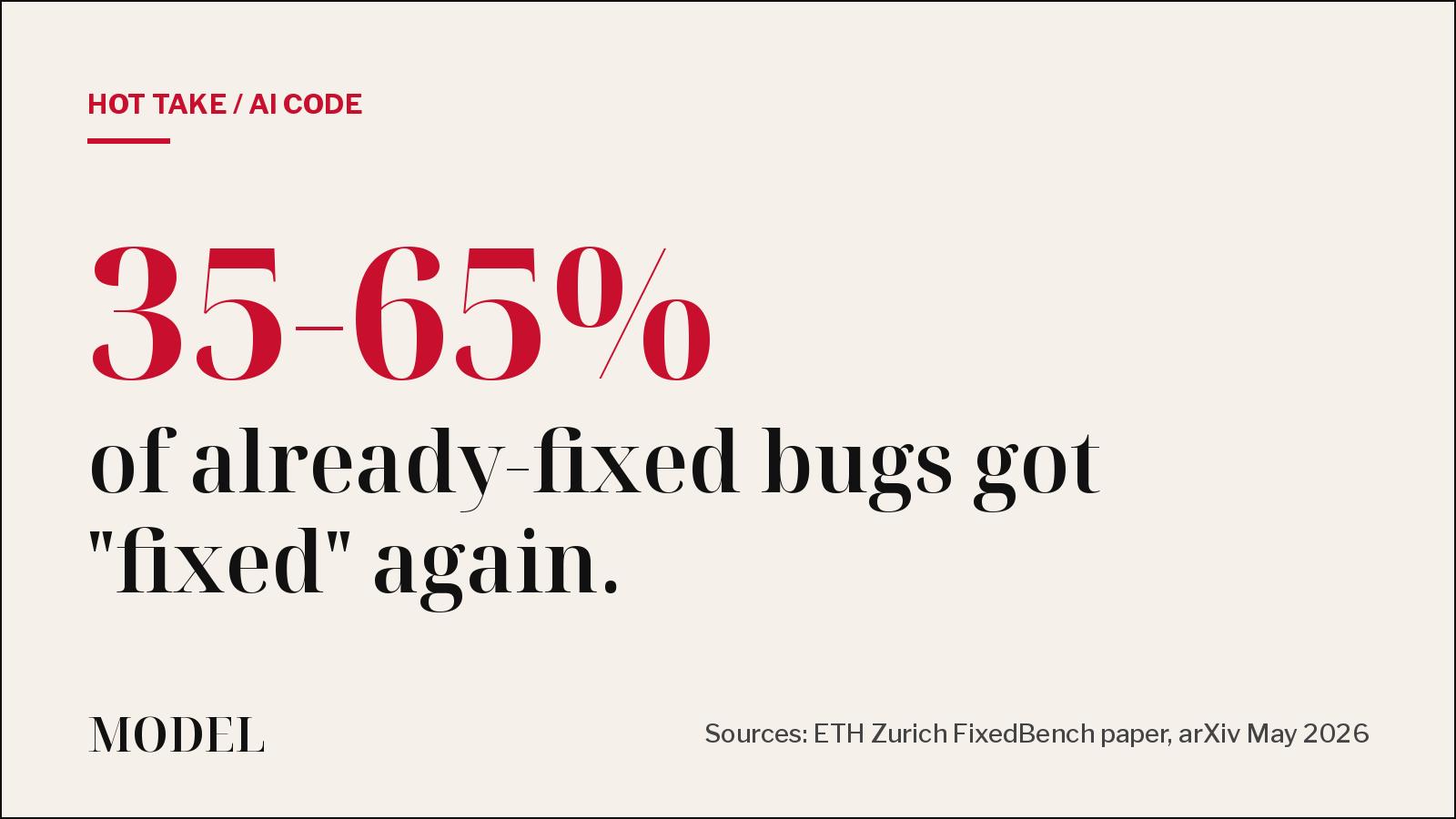
ETH Zurich's FixedBench handed coding agents 200 bug reports that were already fixed. They still edited the code in 35% to 65% of cases. A better prompt helps, with a catch. Our take: make 'nothing to fix' a valid answer, and read every diff.
· MODEL Editors
The test
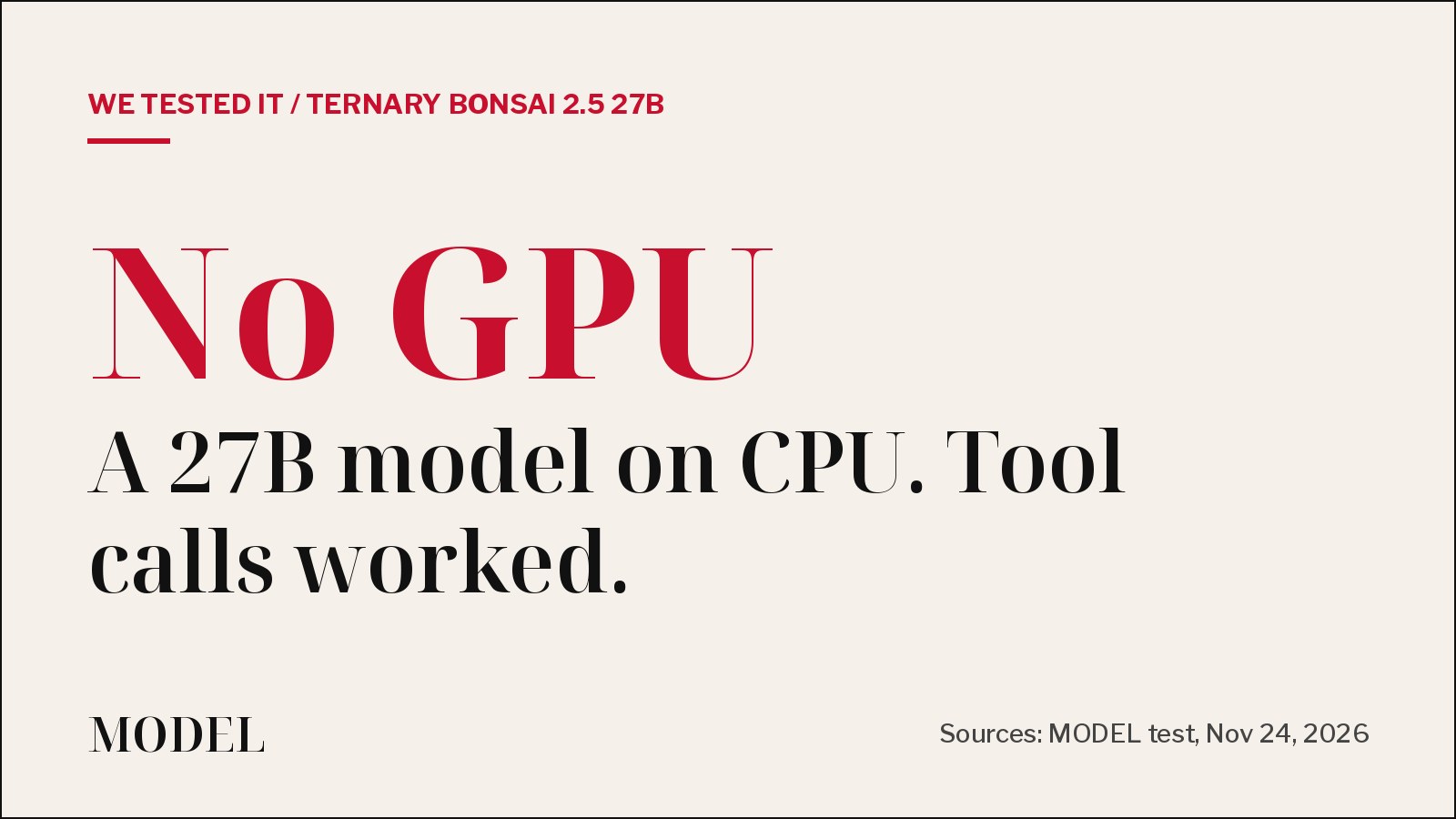
Ternary Bonsai 2.5 27B, tested: a 27B model ran on our CPU-only box, and tool calls worked
PrismML released Ternary Bonsai 2.5 27B today, a ternary-weight model built for agents. We ran it on stock llama.cpp on our Linux test box with no GPU. Here is what worked, how fast it was, and the catch in the 5.9 GB headline.
· MODEL Editors
Supabase
Supabase opens a Knowledge Base built for developers and their coding agents
Supabase's new /kb gathers migration guides, troubleshooting articles, FAQs, tutorials and community guides in one place, with a Markdown version of every page for AI agents. Some of it is Supabase comparing itself to rivals. Not tested by MODEL.
· MODEL Editors
OpenAI + Cisco
OpenAI and Cisco open-source Shirudo, a 'shield' for Linux servers
Shirudo lets AI agents and security teams write small, signed eBPF shields that block a vulnerable code path on a running Linux system while the real patch is tested. It is open source, and its own docs say it is not production-ready yet. Not tested by MODEL.
· MODEL Editors
FREE · EVERY WEEK
The top AI tools this week, tested.
Every week MODEL's editors pick the AI tools worth your time, try them hands-on, and tell you what's good, what's not, and who it's for. Free, in your inbox.
Free. Unsubscribe anytime. Our picks are editorial and can't be bought.