A budget alert is not a brake: check your AI API spend limits before the long weekend
SummaryOpenAI, Anthropic, Vercel and Google Cloud all let you set a monthly number. Only some settings actually stop traffic when you hit it. Here is which switch to flip on each.
· MODEL Editors · 2 min read
Some links may be affiliate links. Disclosure
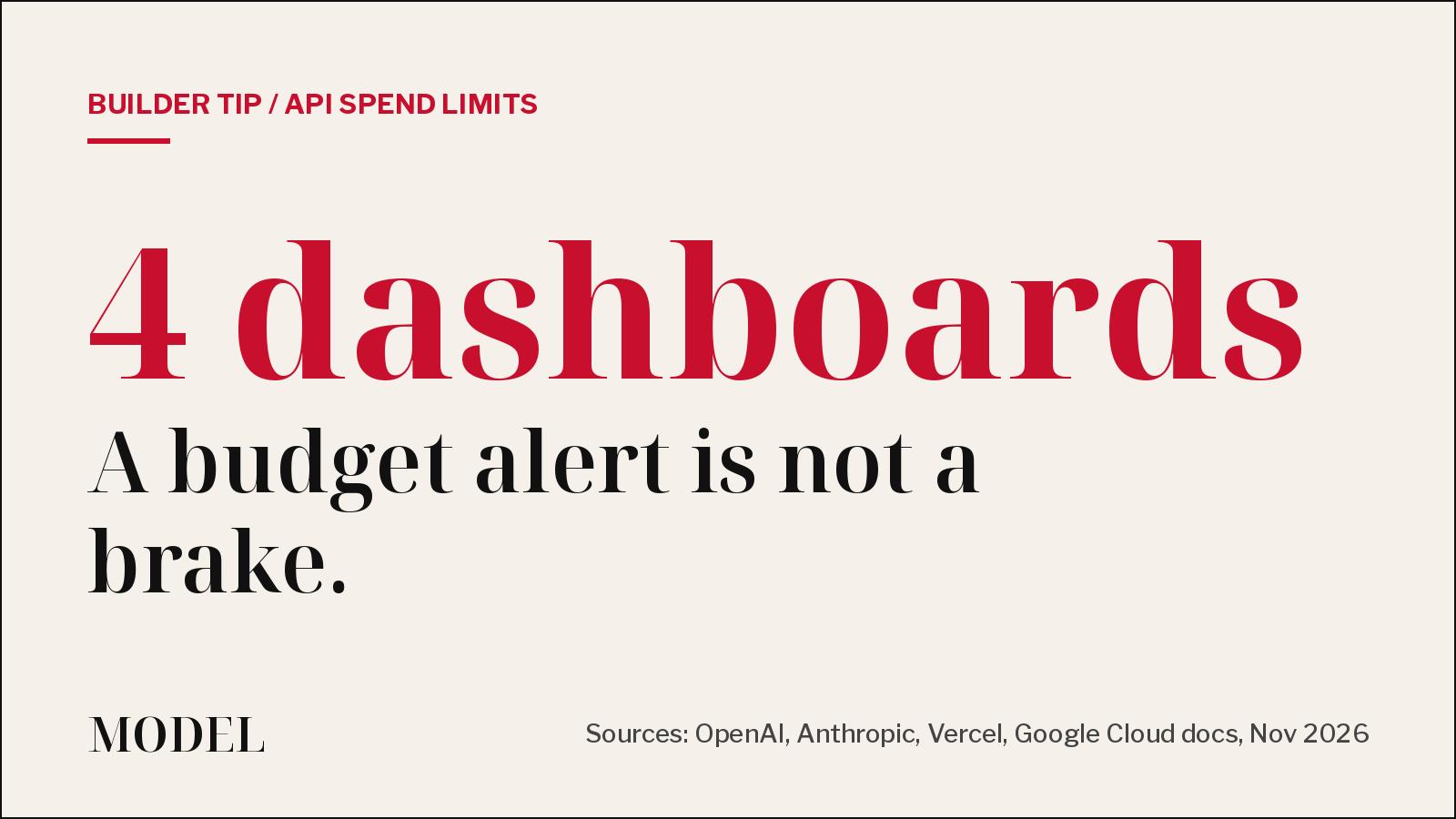
The tip. If an agent, cron job or public demo keeps calling a paid AI API while you are away for Thanksgiving, check that your spend setting actually stops traffic. On most platforms, the default is an email, not a stop.
OpenAI. Monthly spend limits exist at the organization and project level. OpenAI's help center says "a spend limit can monitor spending without stopping requests." To make requests fail once tracked spend reaches the number, a project or organization owner has to turn on Enforce a hard limit under the project's Limits settings. OpenAI also says enforcement "isn't instantaneous," so recorded spend can slightly exceed the limit. Spend alerts only notify.
Anthropic. Each usage tier has a monthly spend cap: $500 on Start, $1,000 on Build and $200,000 on Scale. You can set your own lower limit under Spend limits in the Claude Console. When usage reaches a limit you set, requests return an HTTP 400 error until access resumes. One catch from Anthropic's docs: a spend limit on the default workspace might not count or stop some usage, such as the Console playground and some Claude Code sign-ins; the organization limit still applies to all of it.
Vercel. Spend Management is on Pro and Enterprise (Flexible Commitment) plans. Vercel's docs say "setting a budget does not stop usage on its own." Turn on Pause production deployments on a team or project budget to stop costs. Vercel checks spend every few minutes, so pausing can trigger several minutes after the budget is reached. It also supports a webhook and the vercel billing budgets CLI command.
Google Cloud. Google's billing docs say an alerts-only budget "doesn't automatically cap" usage or spending. Where a service supports it, Google offers spend cap budgets on a project; otherwise, the docs point to programmatic notifications, including disabling billing on a project.
The catch everywhere. None of these checks is instant. Set the limit below the most you would actually be willing to pay, and make sure your app handles the error it gets when the cap hits, so a stopped API does not look like an outage to your users.
Takeaway. Open each billing page before you log off and confirm the setting that stops traffic is on, not just the alert email.
Based on official documentation read on Nov. 26, 2026. Not sponsored. No affiliate links.
Get three tested tools every Friday
Free, weekly. Unsubscribe anytime.
Sources
- Managing projects in the API platform (spend limits and alerts)
OpenAI Help Center
- Production best practices
OpenAI
- Rate limits (spend limits)
Anthropic
- Spend Management
Vercel
- Create, edit, or delete a budget alert
Google Cloud
Keep reading
Hot take
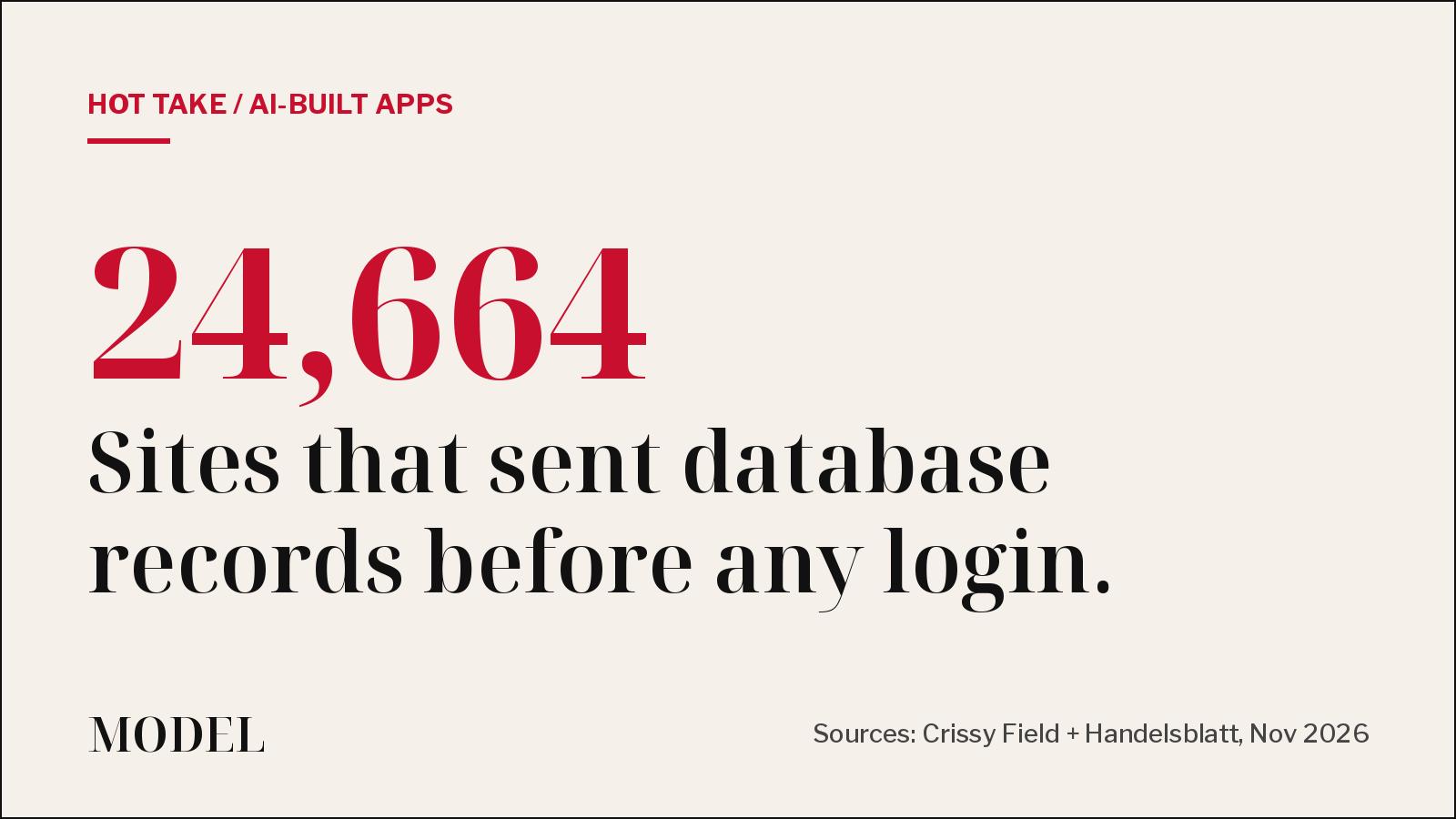
AI built the login page. Nobody locked the database
Researchers found 24,664 Lovable sites sending Supabase database records before anyone logged in, and a CCS 2026 poster found open read rules in most AI-built repos it checked. Our take: the AI app builder ships the key to every visitor, so the lock is still your job.
· MODEL Editors
The test
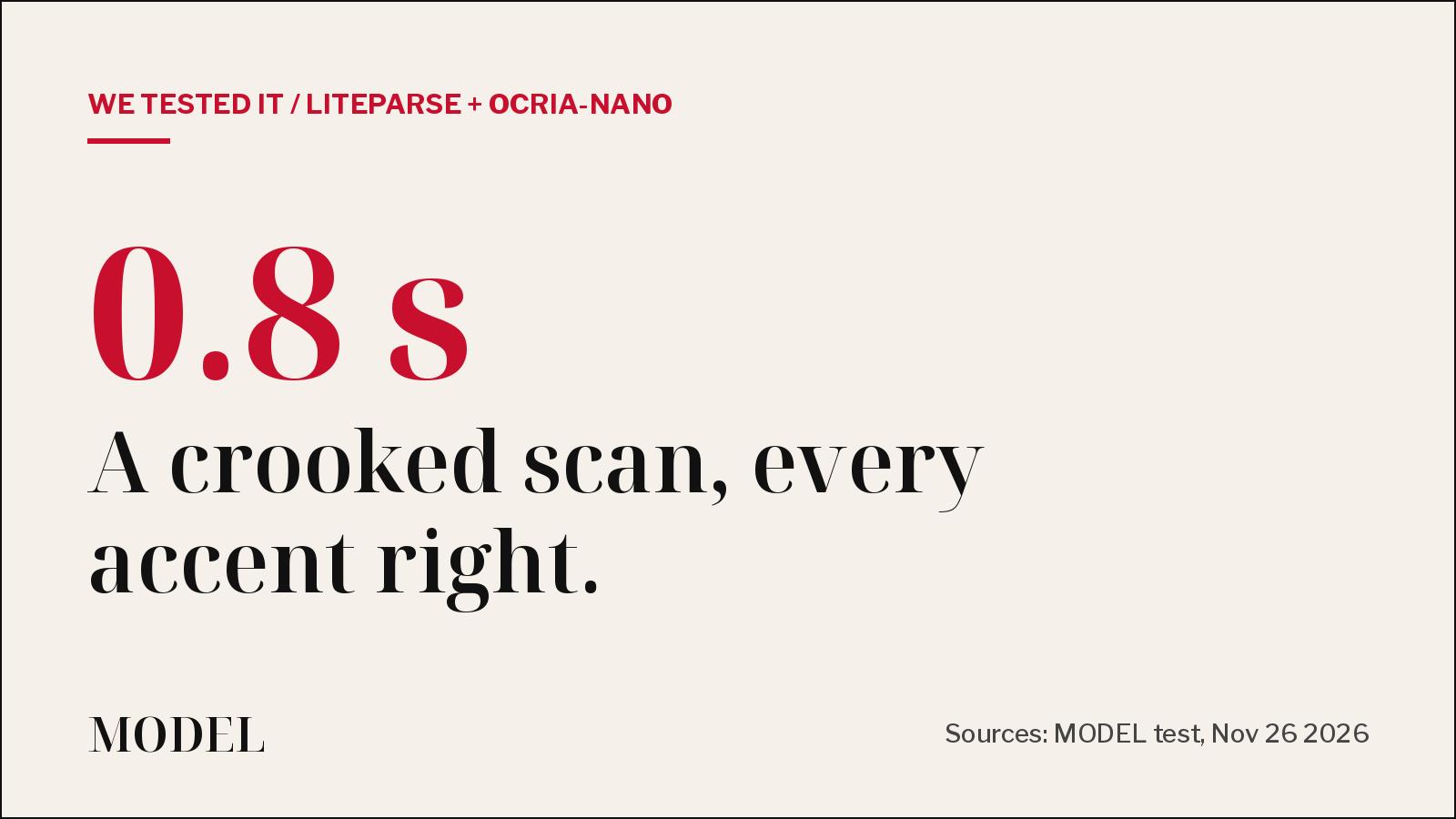
LiteParse + OCRia-nano tested: it read our crooked scan offline, but check the tables
LlamaIndex's free LiteParse tool now has small local OCR and table models. We ran them on a plain Linux box with no GPU. A tilted scan came back with every accent right in 0.8 seconds. The tables needed checking.
· MODEL Editors
Hot take
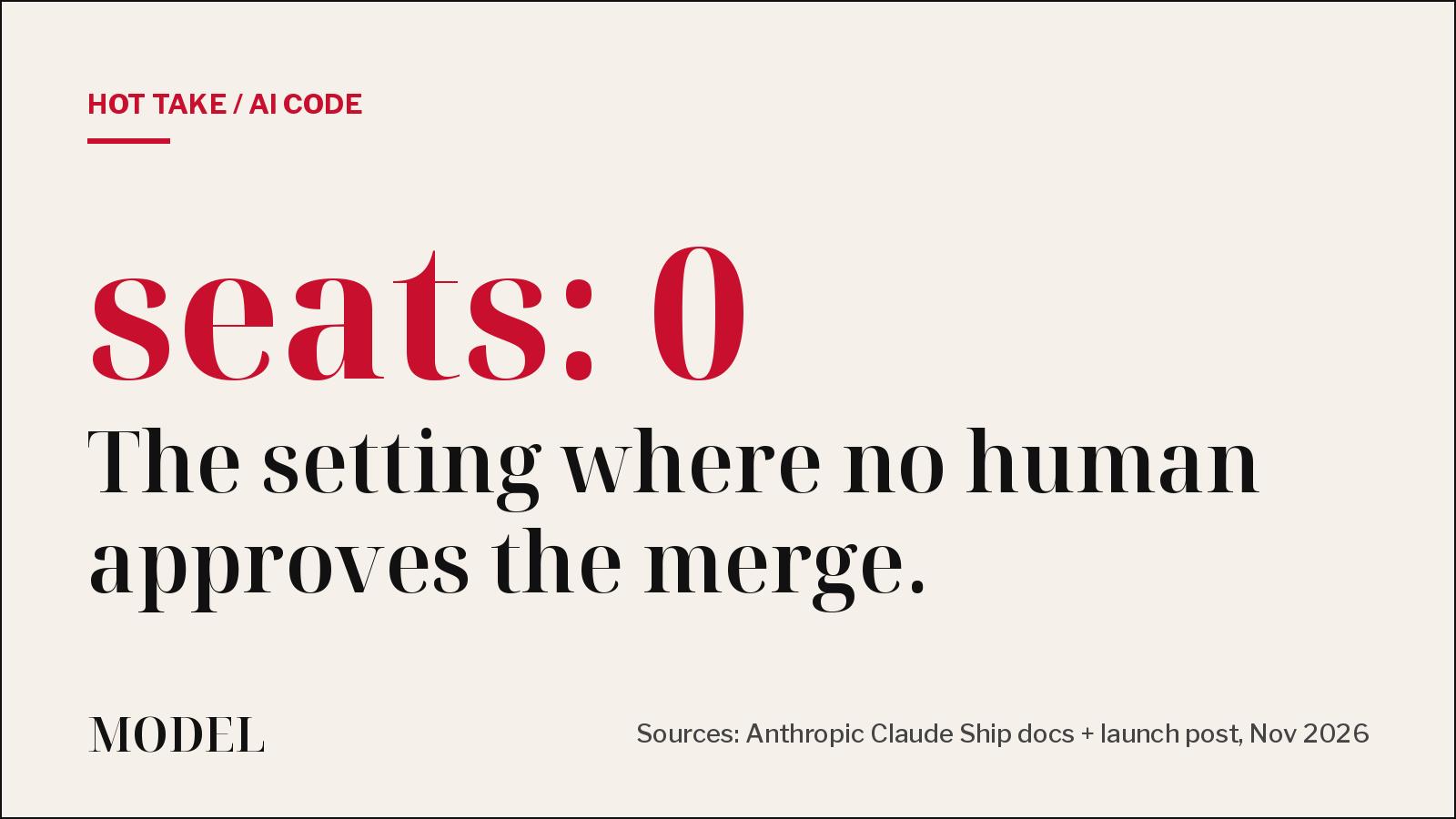
AI writes the PR, reviews it, fixes it. Now it can approve it
Anthropic's Claude Ship adds two beta agents: PR Steward pushes fixes, Claude Approvals can approve routine changes under a policy file. Anthropic's own docs explain how a PR can merge with no human but its author. Our take: that YAML file is now your most important code review.
· MODEL Editors
Builder tip
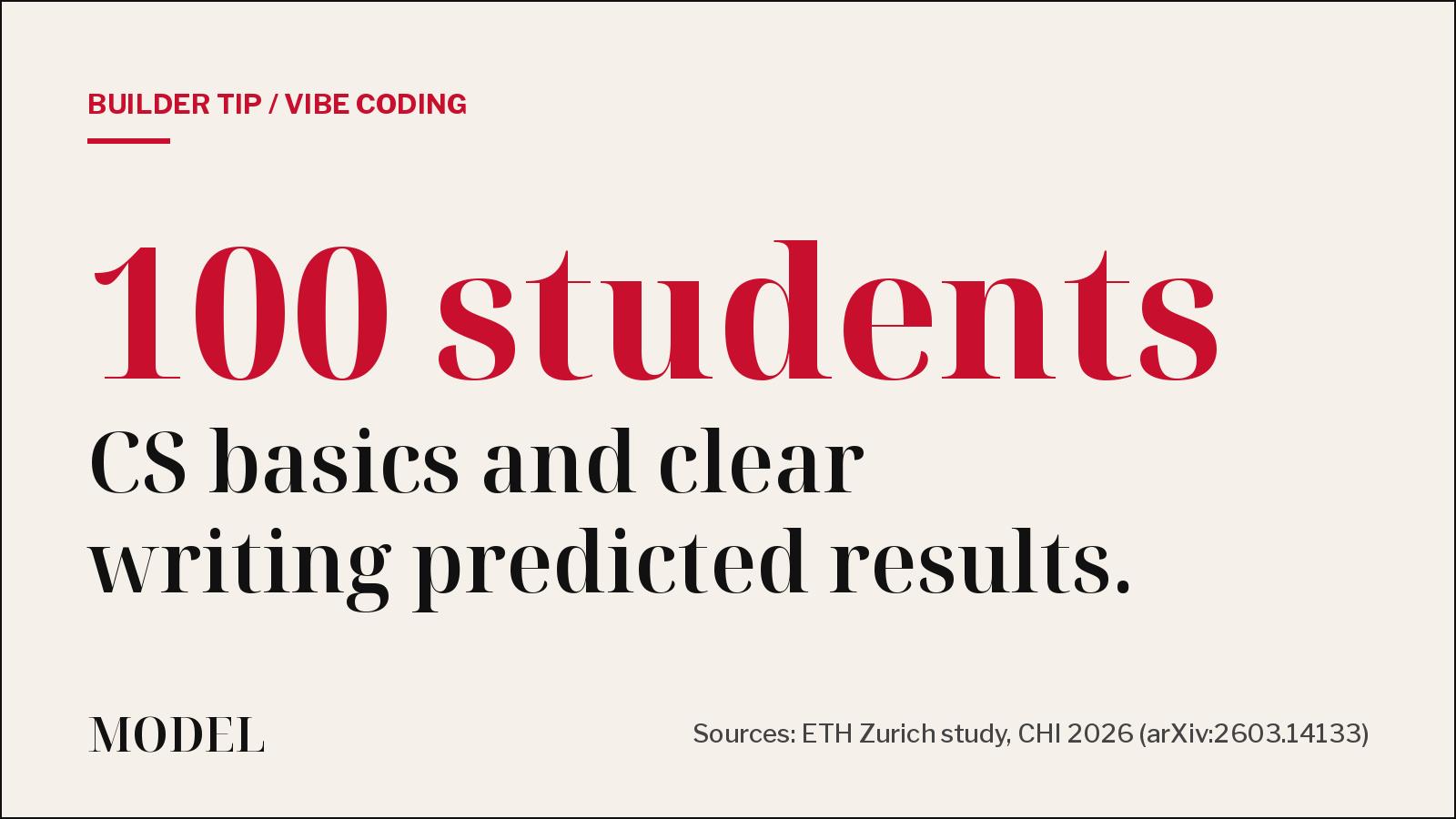
Vibe coding still rewards people who know how software works
An ETH Zurich study of 100 students found computer-science knowledge was the strongest predictor of vibe-coding results, clear writing helped too, and the heaviest everyday chatbot users did worse. Our tip: write the spec like you mean it, and learn the basics anyway.
· MODEL Editors
FREE · EVERY WEEK
The top AI tools this week, tested.
Every week MODEL's editors pick the AI tools worth your time, try them hands-on, and tell you what's good, what's not, and who it's for. Free, in your inbox.
Free. Unsubscribe anytime. Our picks are editorial and can't be bought.