LiteParse + OCRia-nano tested: it read our crooked scan offline, but check the tables
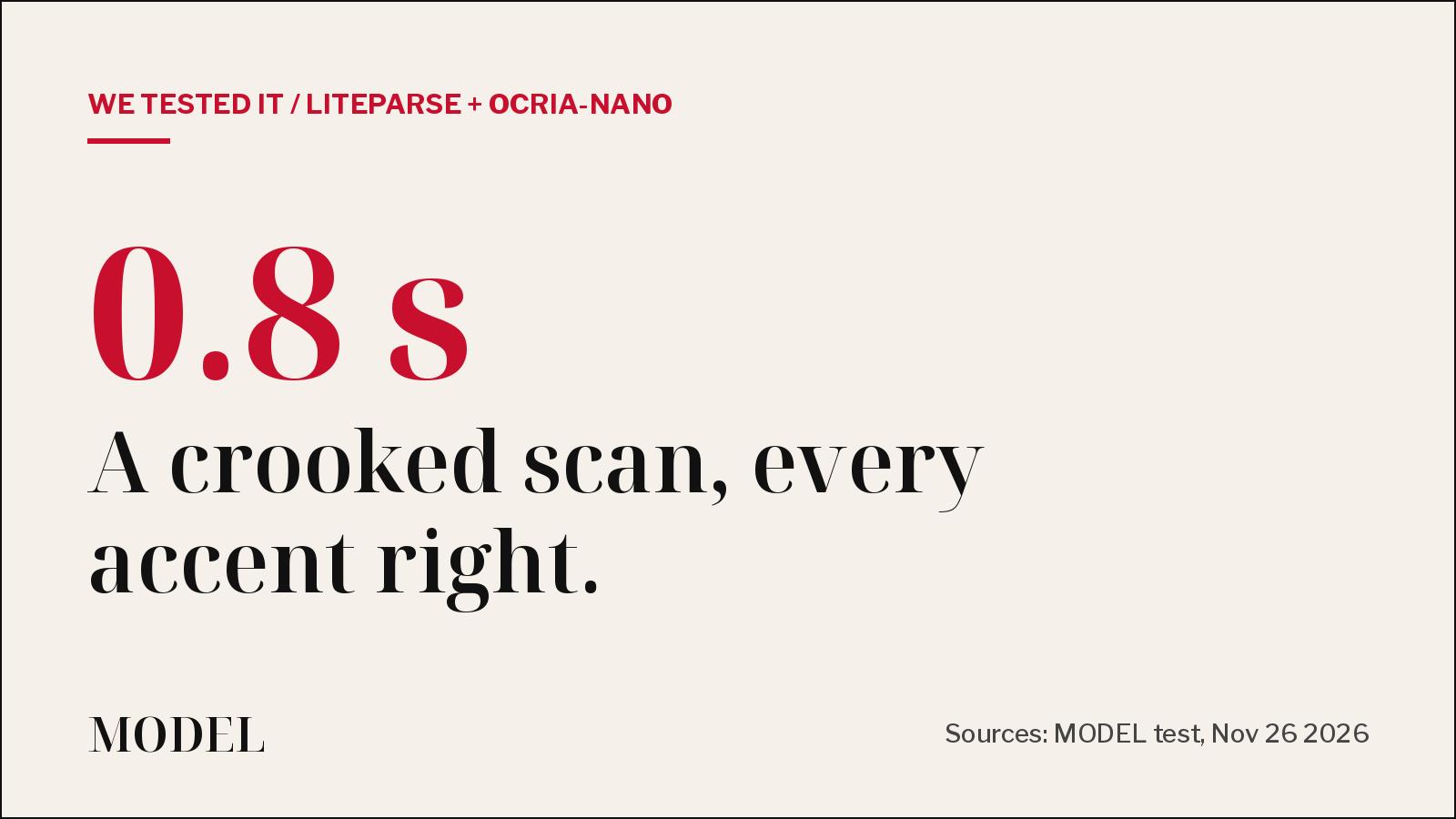
SummaryLlamaIndex's free LiteParse tool now has small local OCR and table models. We ran them on a plain Linux box with no GPU. A tilted scan came back with every accent right in 0.8 seconds. The tables needed checking.
· MODEL Editors · 2 min read
Some links may be affiliate links. Disclosure
What it is. LiteParse is a free, open-source (Apache-2.0) tool from LlamaIndex that turns PDFs, Office files and images into Markdown, JSON or text on your own machine, ready to hand to a chatbot or an agent. On Nov. 23 LlamaIndex announced OCRia-nano-1, small optional models (8.1M parameters, CPU only, per LlamaIndex) that read scanned pages and rebuild tables. The model weights are a free download under a modified Open RAIL-M license, which is not an open-source license.
What we ran. On Nov. 26 we installed LiteParse 2.21.2 (released Nov. 24) and the ocria-nano 1.0.0 models on our Linux test box: 8 CPU cores, no GPU, no account. Our test files: a one-page invoice we made with a 4-column table and accented words like "jalapeño" and "São Paulo", the same page as a 200 dpi image tilted 1.5 degrees like a bad scan, a Word copy, and LlamaIndex's own 15-page OCRia-nano report.
- Setup. The install took about 1.5 seconds and 35 MB. The OCR models took one more command (
lit models pull ocria-nano): 5.2 seconds, 59.9 MB. - The crooked scan, before the models. The built-in Tesseract OCR scrambled the word order and the table, and turned the accents into "jalapeiio", "Ziirich" and "Sdo Paulo".
- The crooked scan, with ocria-nano. Every sentence and accent came back right, in about 0.8 seconds including startup. The table came back with merged columns, and one cell, the quantity "4" for the mugs, was missing.
- Clean files. Before the models were installed, our clean PDF and Word file gave a perfect Markdown table, in about 1.0 and 1.7 seconds.
- 15 pages. 0.17 seconds without OCR, 1.7 seconds with ocria-nano doing OCR and tables on every page.
- Offline. It parsed the scan with networking switched off.
The catch. Once the models are installed, the table model also runs on clean PDFs, as LiteParse's README says. On our invoice it turned a perfect table into an HTML table with a merged header and a shifted number. Adding --ocr-backend tesseract brought the clean table back. Its is-complex check also said our clean invoice "needs OCR".
What we did not test. Batch mode, image files, the Node, Rust and browser builds, non-Latin scripts, and LlamaIndex's own speed and accuracy scores. LiteParse 2.21.3 came out on Nov. 26 after our test, with browser-build and release-pipeline changes; we tested 2.21.2.
The MODEL verdict. The best free, local way we have tried to get scans into an AI tool. Use the models for scans, keep --ocr-backend tesseract for clean PDFs, and check every table either way.
Tested by MODEL Editors on Nov. 26, 2026 with LiteParse 2.21.2 and ocria-nano 1.0.0. Not sponsored. No affiliate links. MODEL has no relationship with LlamaIndex.
Get three tested tools every Friday
Free, weekly. Unsubscribe anytime.
Sources
- Introducing OCRia-nano-1
LlamaIndex
- run-llama/liteparse
GitHub, run-llama
- liteparse on PyPI
PyPI
Related tools
- LiteParse
Offline document parsing that read our tilted scan in 0.8 s, with every accent right.
Tested by MODEL
Keep reading
Builder tip
A budget alert is not a brake: check your AI API spend limits before the long weekend
OpenAI, Anthropic, Vercel and Google Cloud all let you set a monthly number. Only some settings actually stop traffic when you hit it. Here is which switch to flip on each.
· MODEL Editors
Hot take
AI built the login page. Nobody locked the database
Researchers found 24,664 Lovable sites sending Supabase database records before anyone logged in, and a CCS 2026 poster found open read rules in most AI-built repos it checked. Our take: the AI app builder ships the key to every visitor, so the lock is still your job.
· MODEL Editors
Hot take
AI writes the PR, reviews it, fixes it. Now it can approve it
Anthropic's Claude Ship adds two beta agents: PR Steward pushes fixes, Claude Approvals can approve routine changes under a policy file. Anthropic's own docs explain how a PR can merge with no human but its author. Our take: that YAML file is now your most important code review.
· MODEL Editors
Builder tip
Vibe coding still rewards people who know how software works
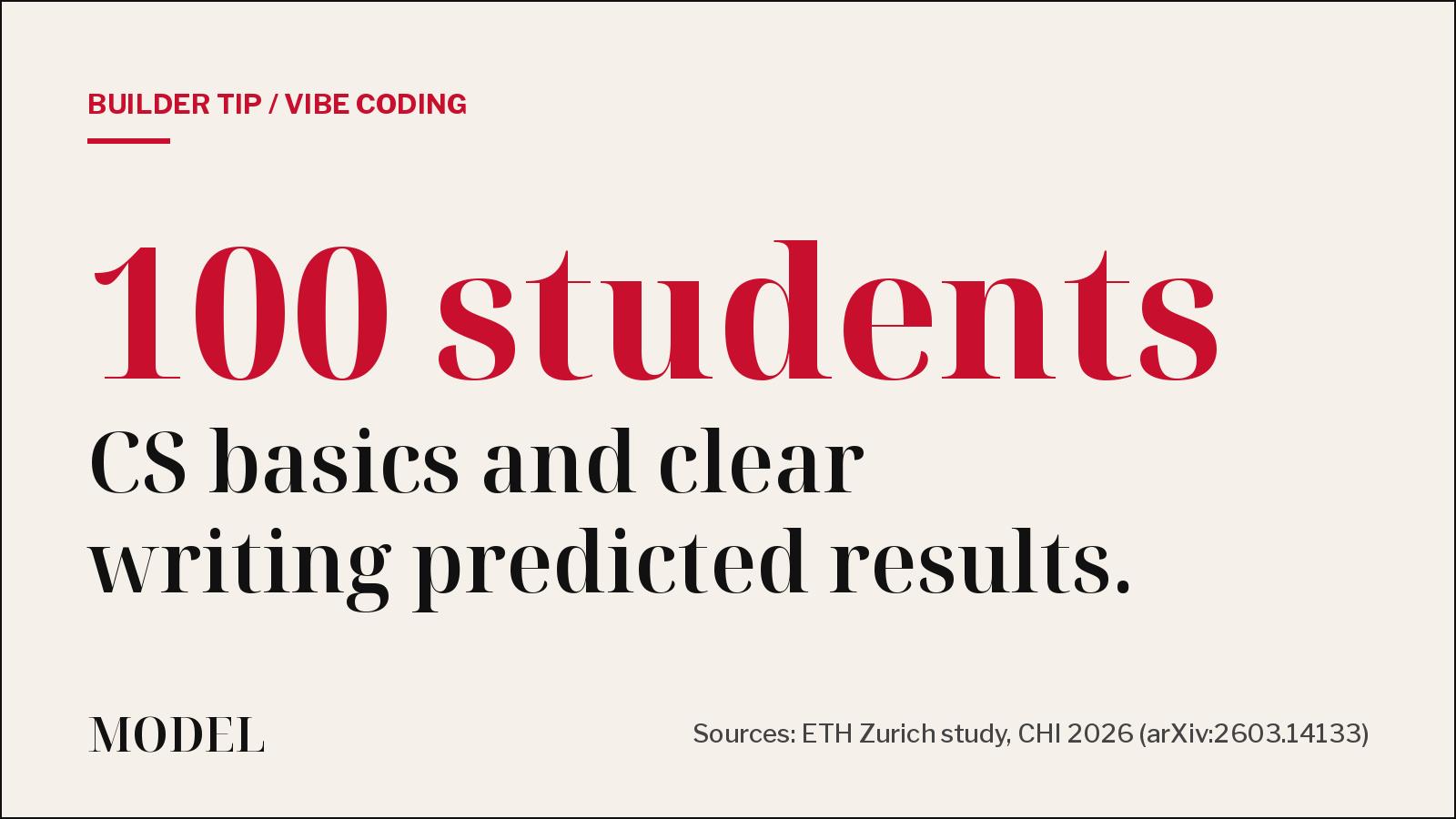
An ETH Zurich study of 100 students found computer-science knowledge was the strongest predictor of vibe-coding results, clear writing helped too, and the heaviest everyday chatbot users did worse. Our tip: write the spec like you mean it, and learn the basics anyway.
· MODEL Editors
FREE · EVERY WEEK
The top AI tools this week, tested.
Every week MODEL's editors pick the AI tools worth your time, try them hands-on, and tell you what's good, what's not, and who it's for. Free, in your inbox.
Free. Unsubscribe anytime. Our picks are editorial and can't be bought.